
Fluent Support 2.0:
A More Refined Support Experience
Improved structure and consistency across the product bring a more composed experience, while familiar workflows remain intact.
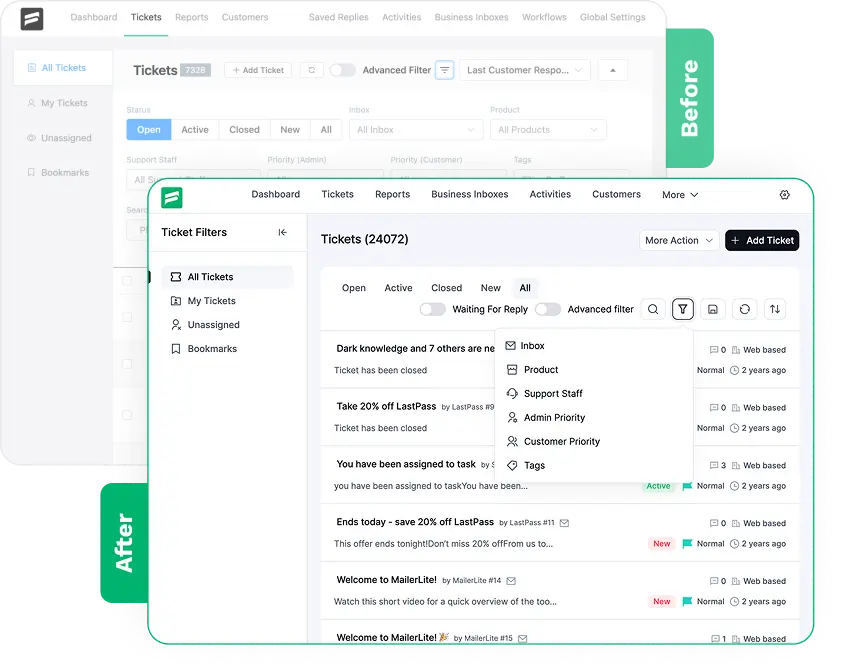
The Thinking Behind
Fluent Support 2.0
Fluent Support is used for long support sessions, so the experience needed to feel steady and comfortable over time.
As the product grew, consistency across tickets, workflows, and settings became essential to reduce friction.
We focused on structure and alignment to help teams scan information without feeling overwhelmed.
Familiar workflows were intentionally preserved, so existing users don’t need to relearn how things work.
The goal was refinement, not reinvention. Core behavior stays the same while the experience improves.
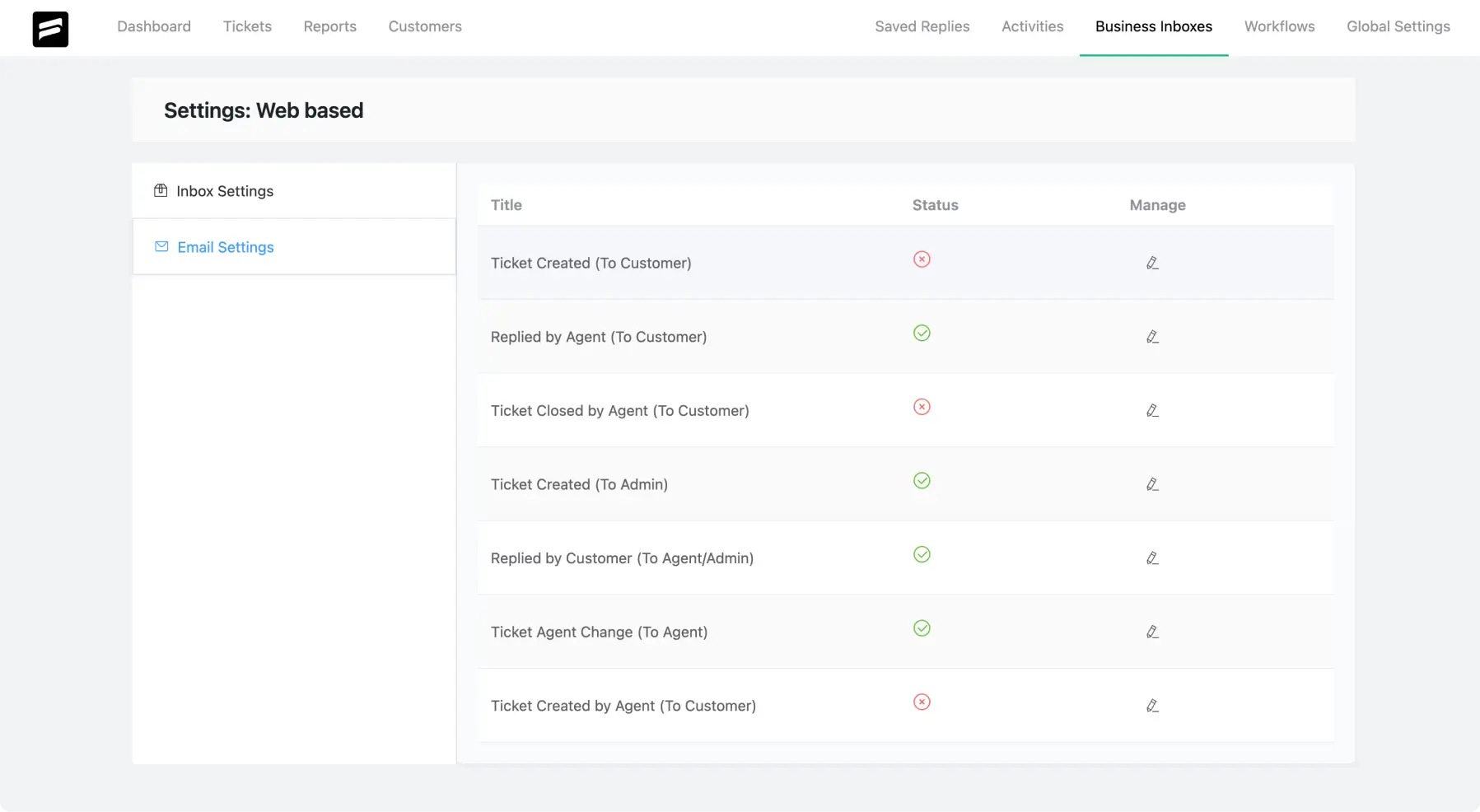
Compare the previous experience with Fluent Support 2.0.
A Better Starting View for Daily Support Work
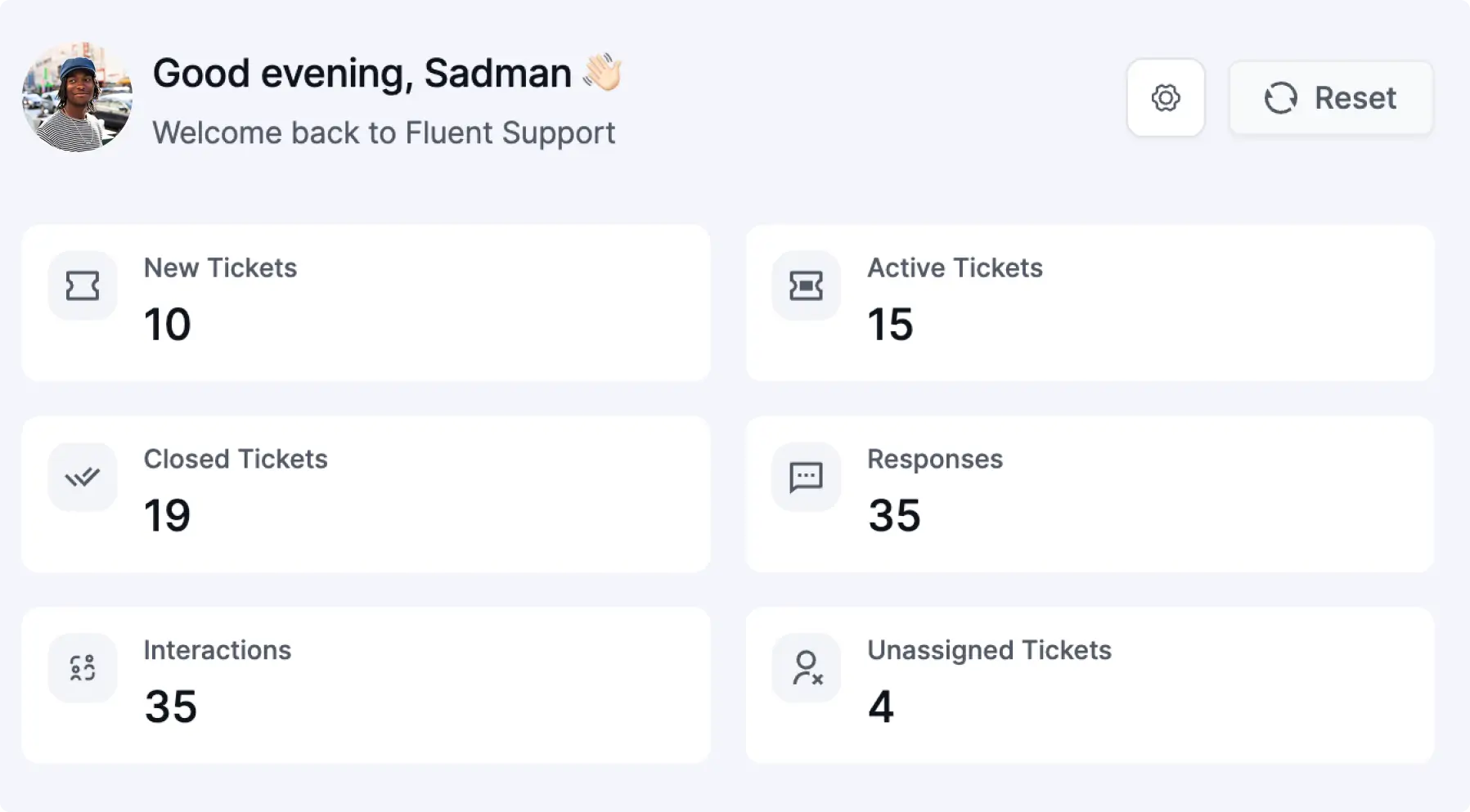
The dashboard presents a more structured view to help you understand your support status at a glance.
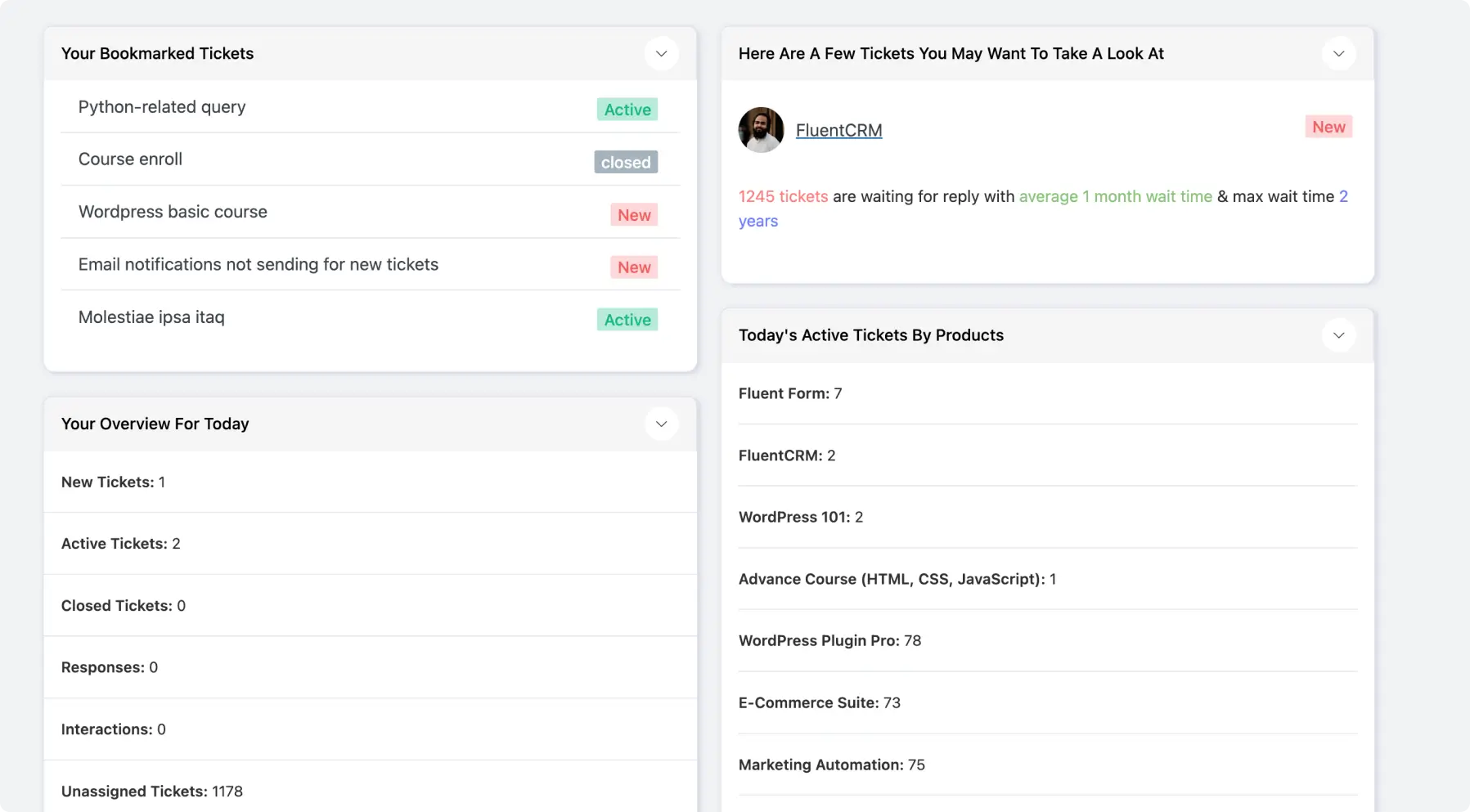
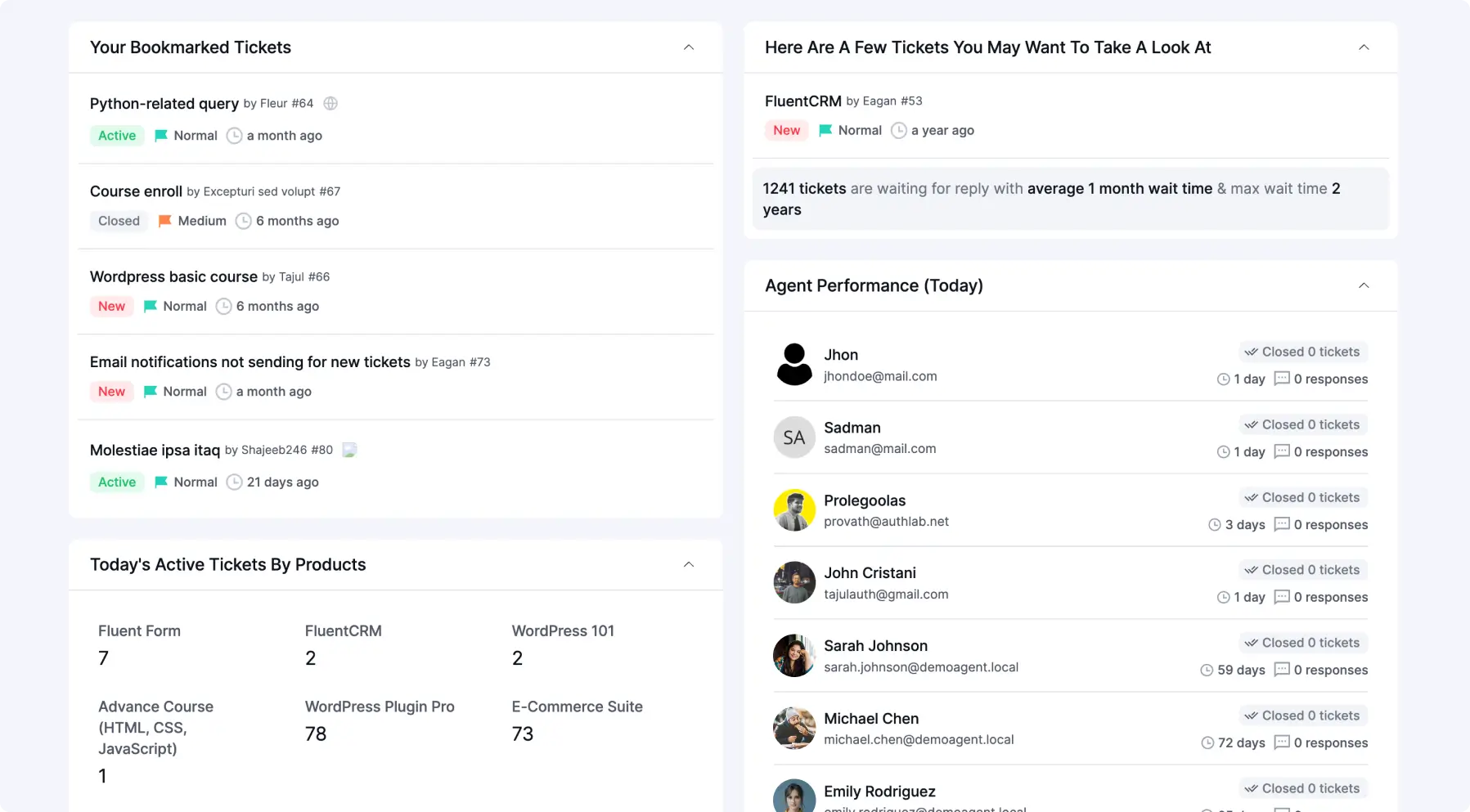
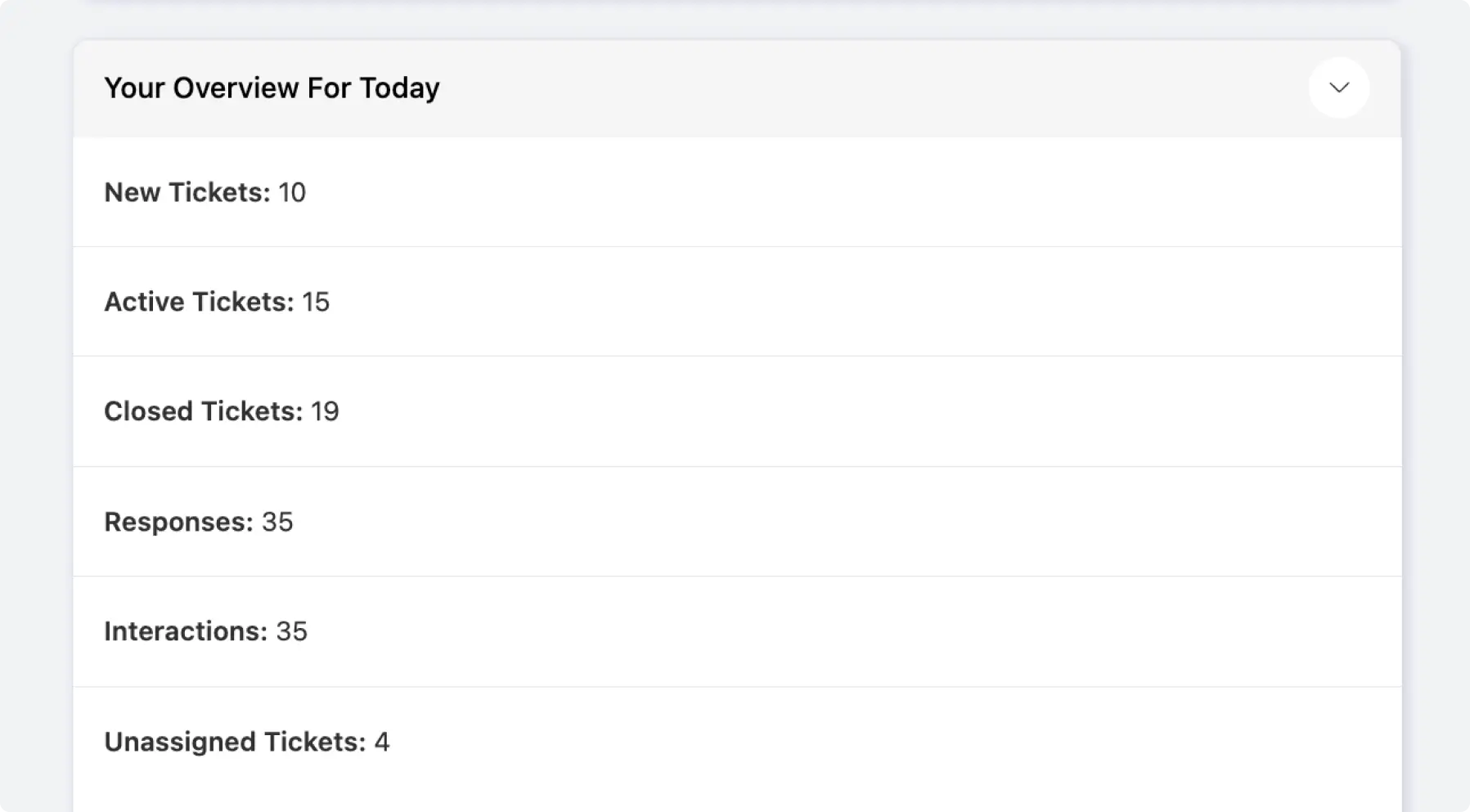
Your View Today” is positioned at the top of the dashboard to make key numbers easier to spot and scan quickly.
Ticket Browsing Feels More Natural and Less Busy
The updated layout reduces visual noise and helps you scan your queue in a clean, balanced way.
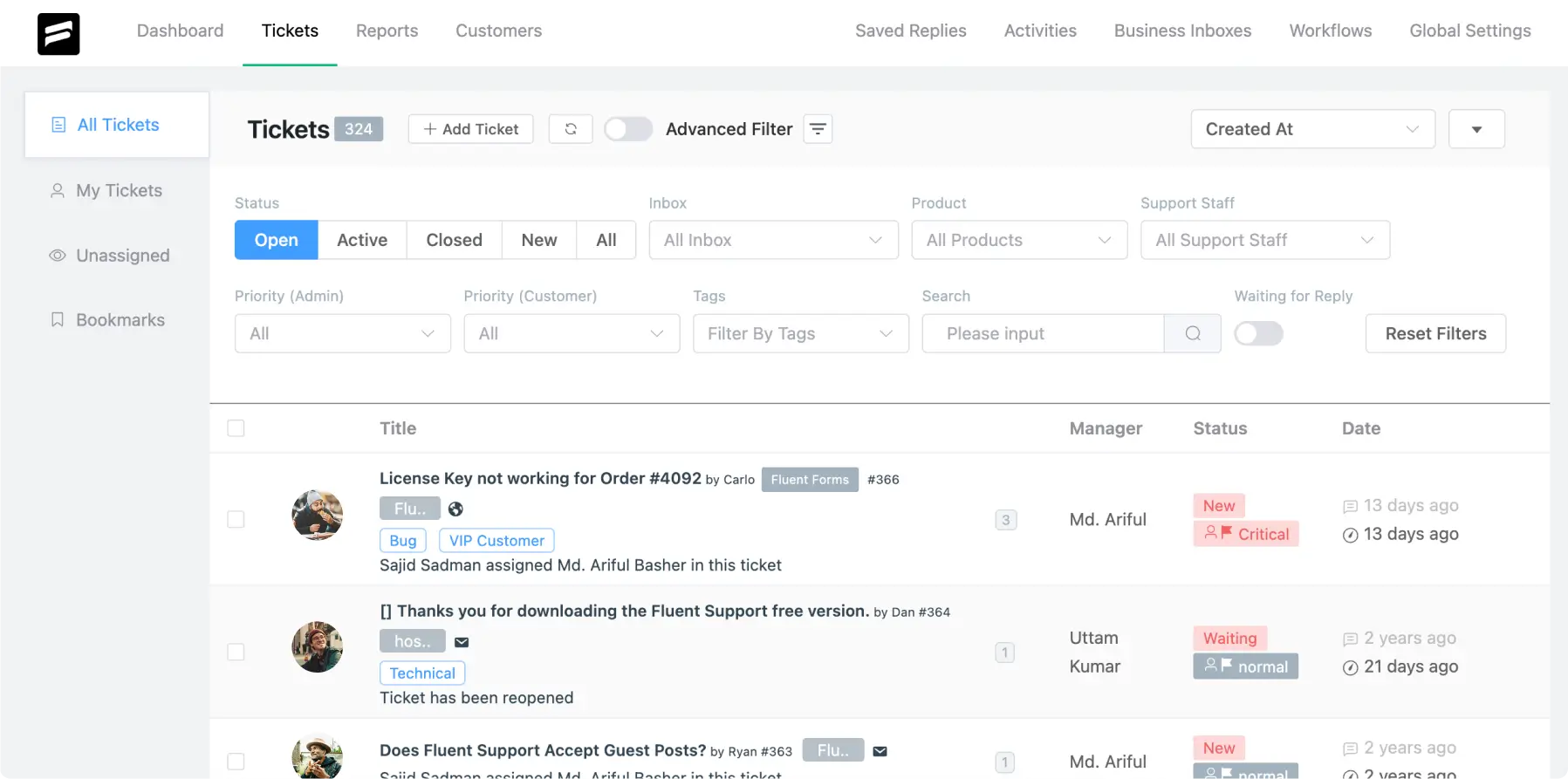
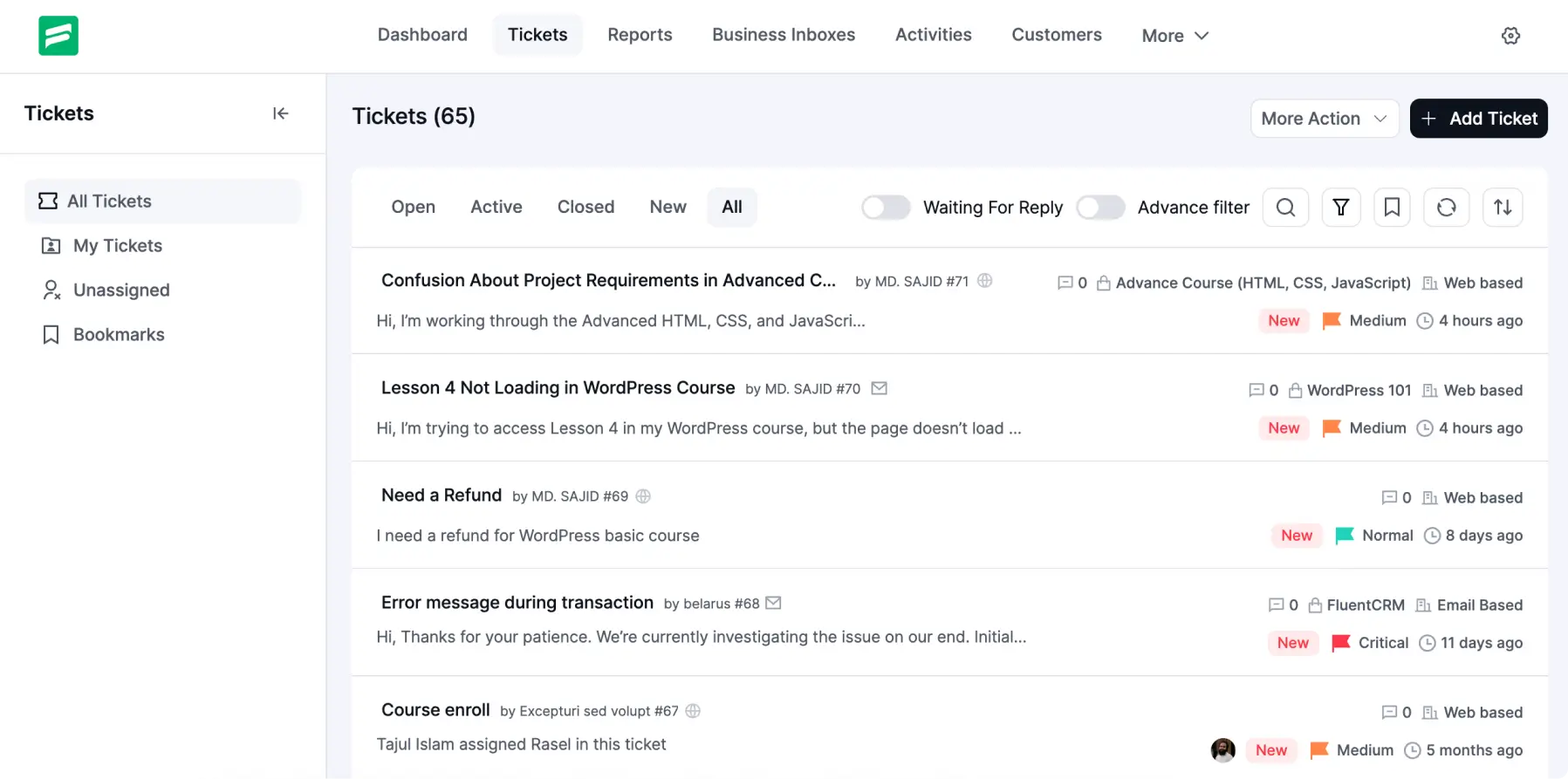
Inbox, Product, Support Staff, Priority (Admin), Priority (Customer) and Tags filters are now grouped under the filter icon to make the dashboard feel calmer and less busy.
Inside Ticket View
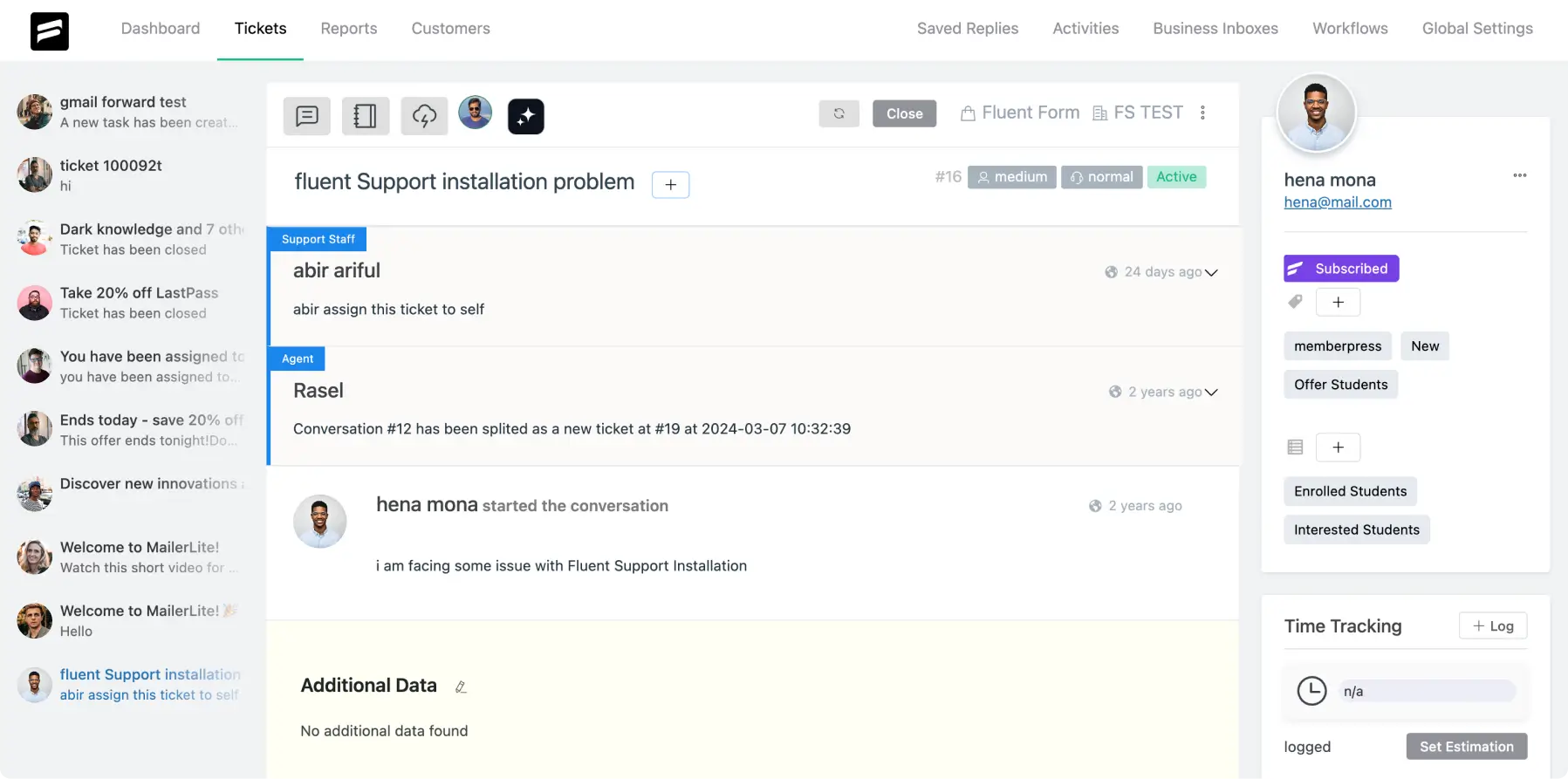
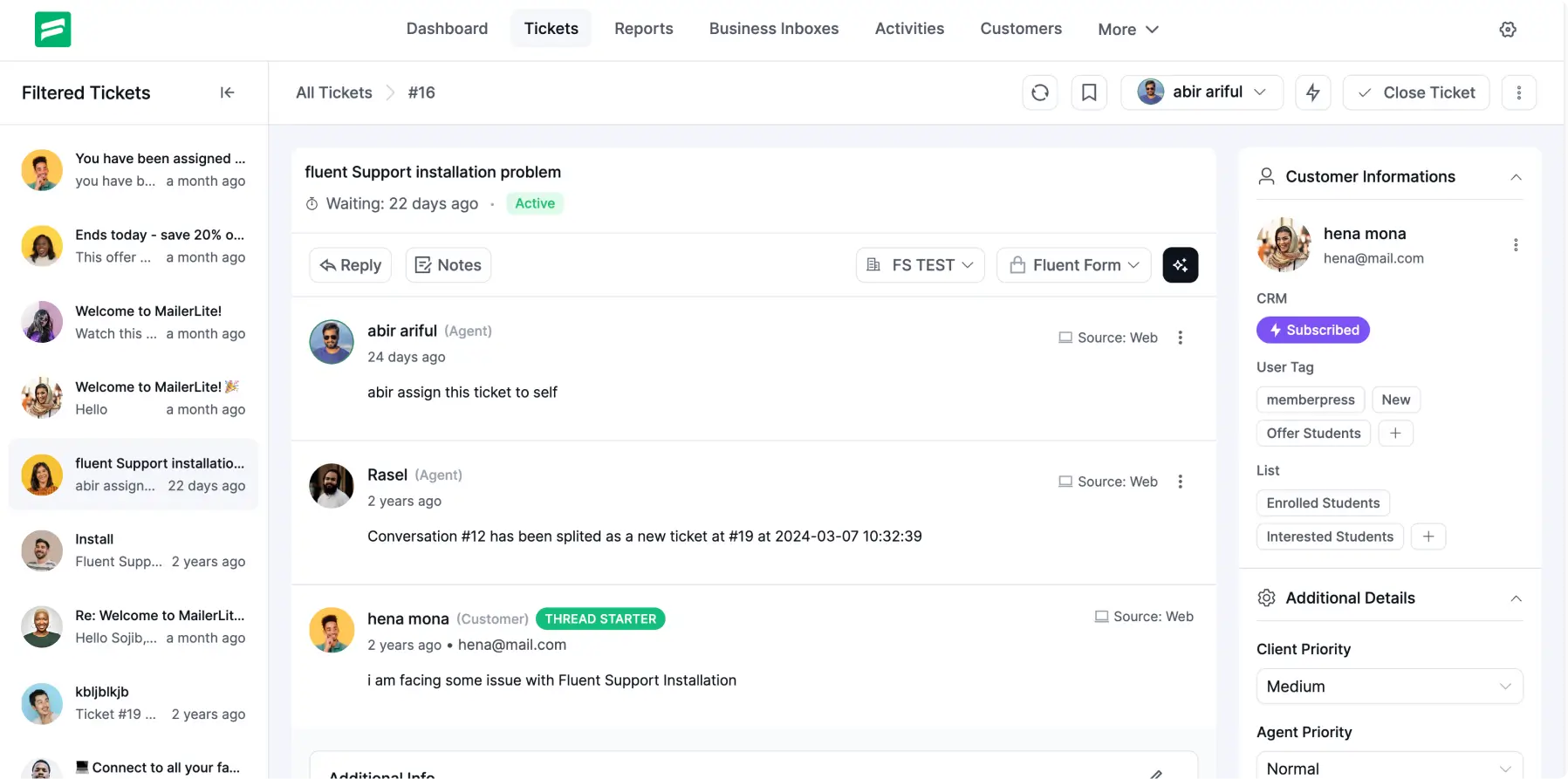
The left-side Filtered Ticket list now includes a collapse control, and the conversation view gains full room once it stays hidden.
Client Priority, Agent Priority, and Tags now sit inside the Additional Details section on the side panel, and these controls no longer appear at the top of the ticket.
Each section in the side panel now opens or closes on demand, and agents decide which details stay in view.
Bookmarks now appear as Watchers, and the new name matches the actual purpose of the section.
Ticket Reply Section
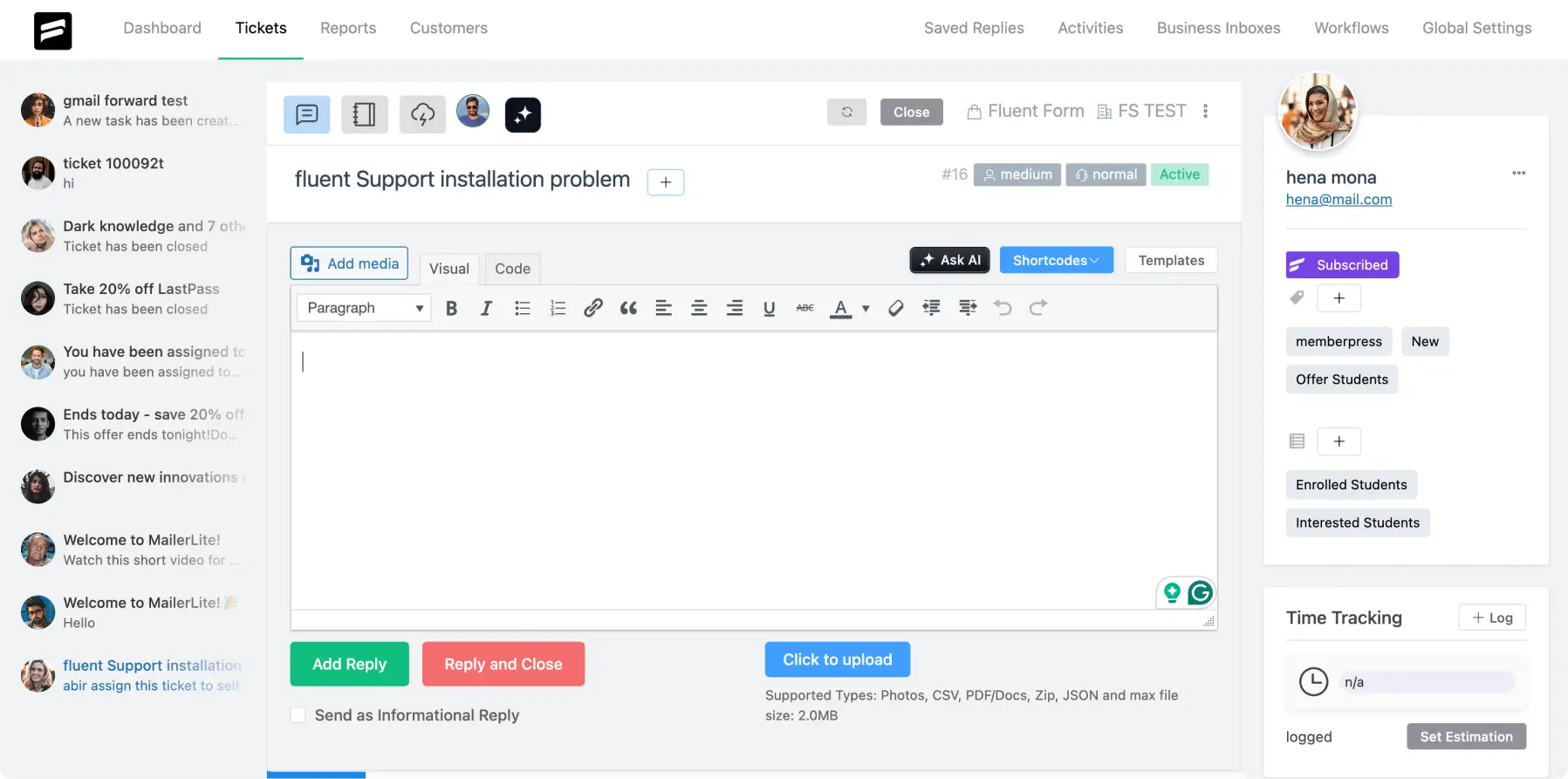
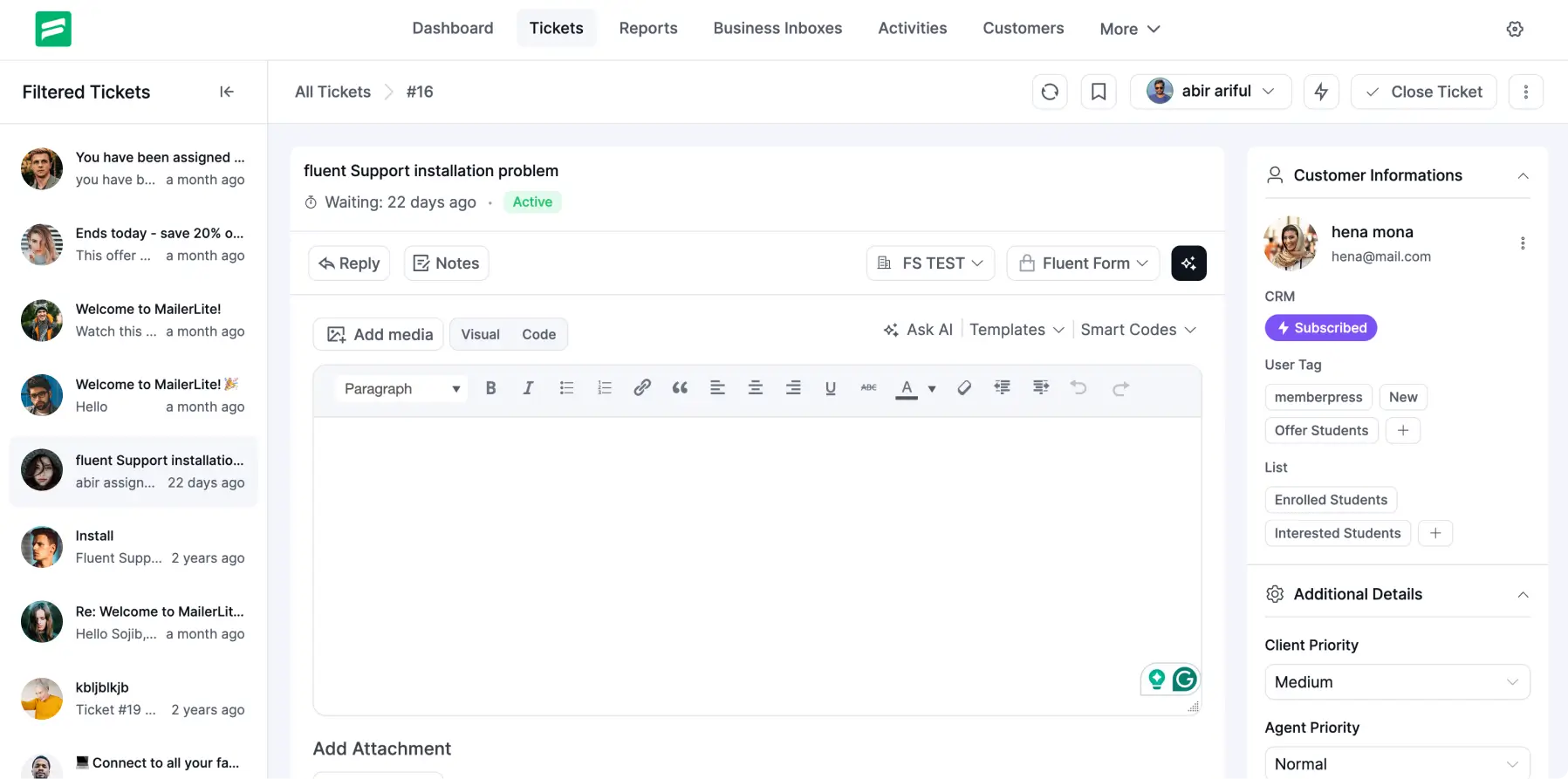
The Reply section now feels lighter and more comfortable to work with.
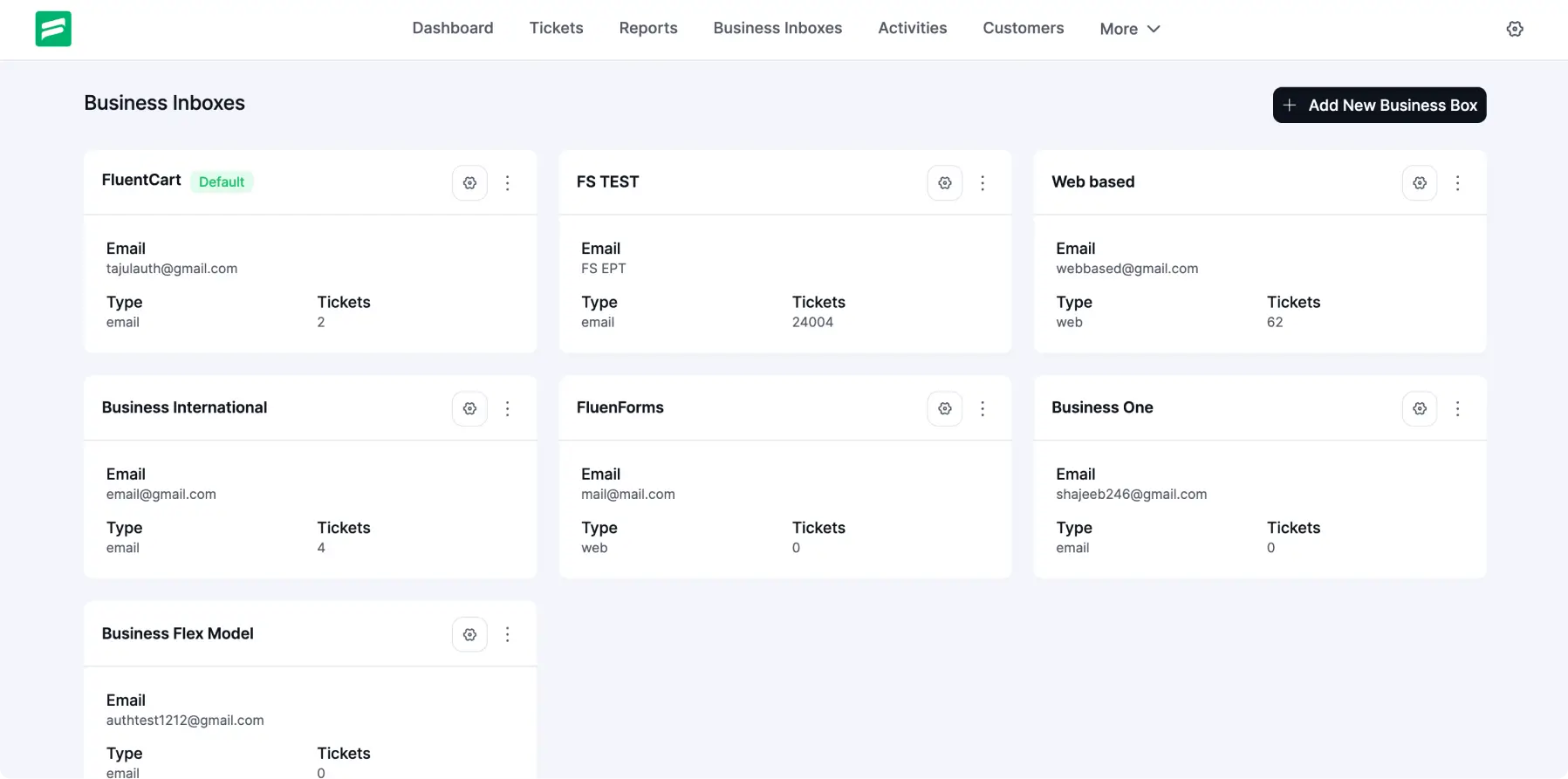
A Modern Take on the Business Inbox
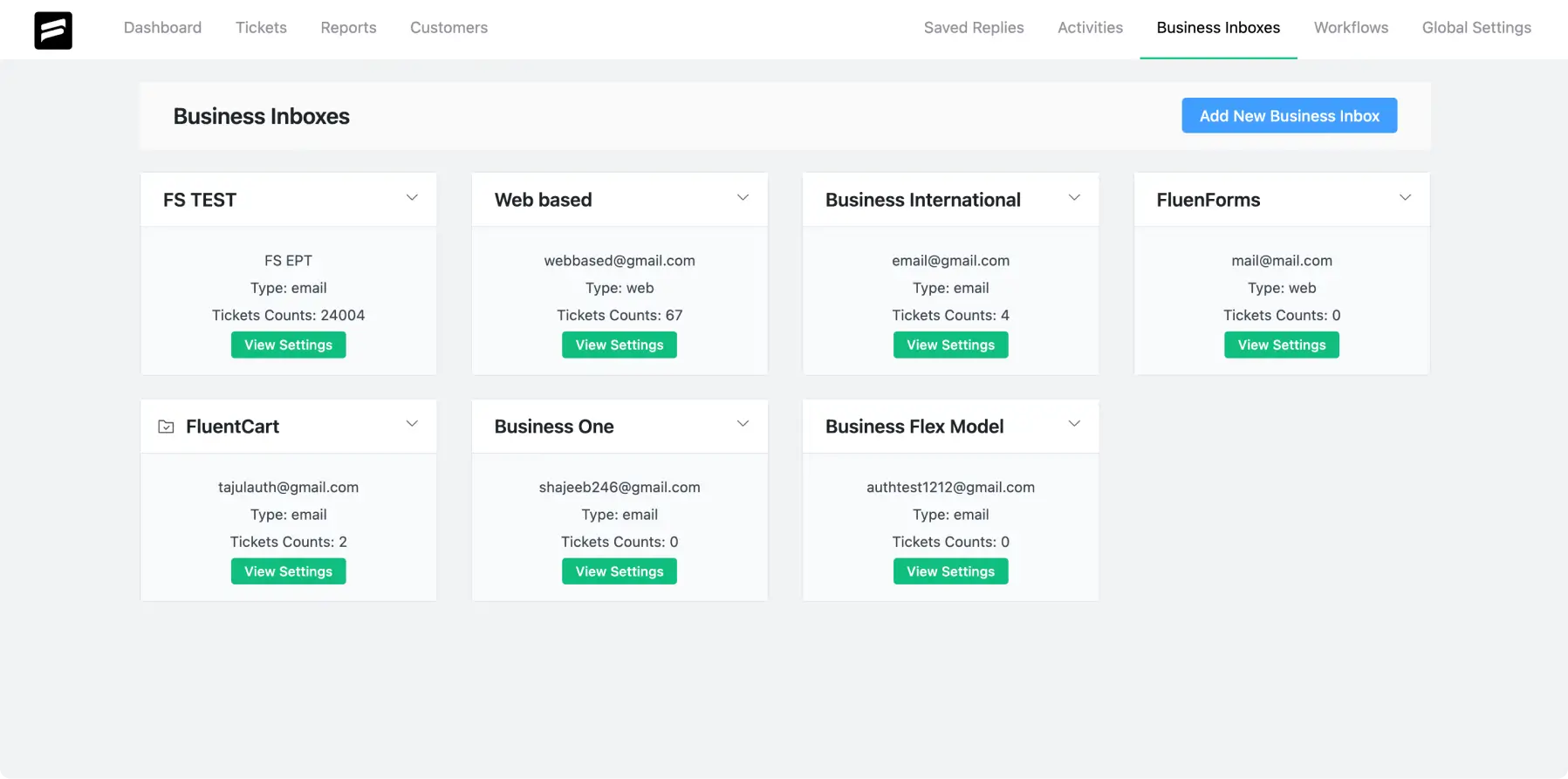
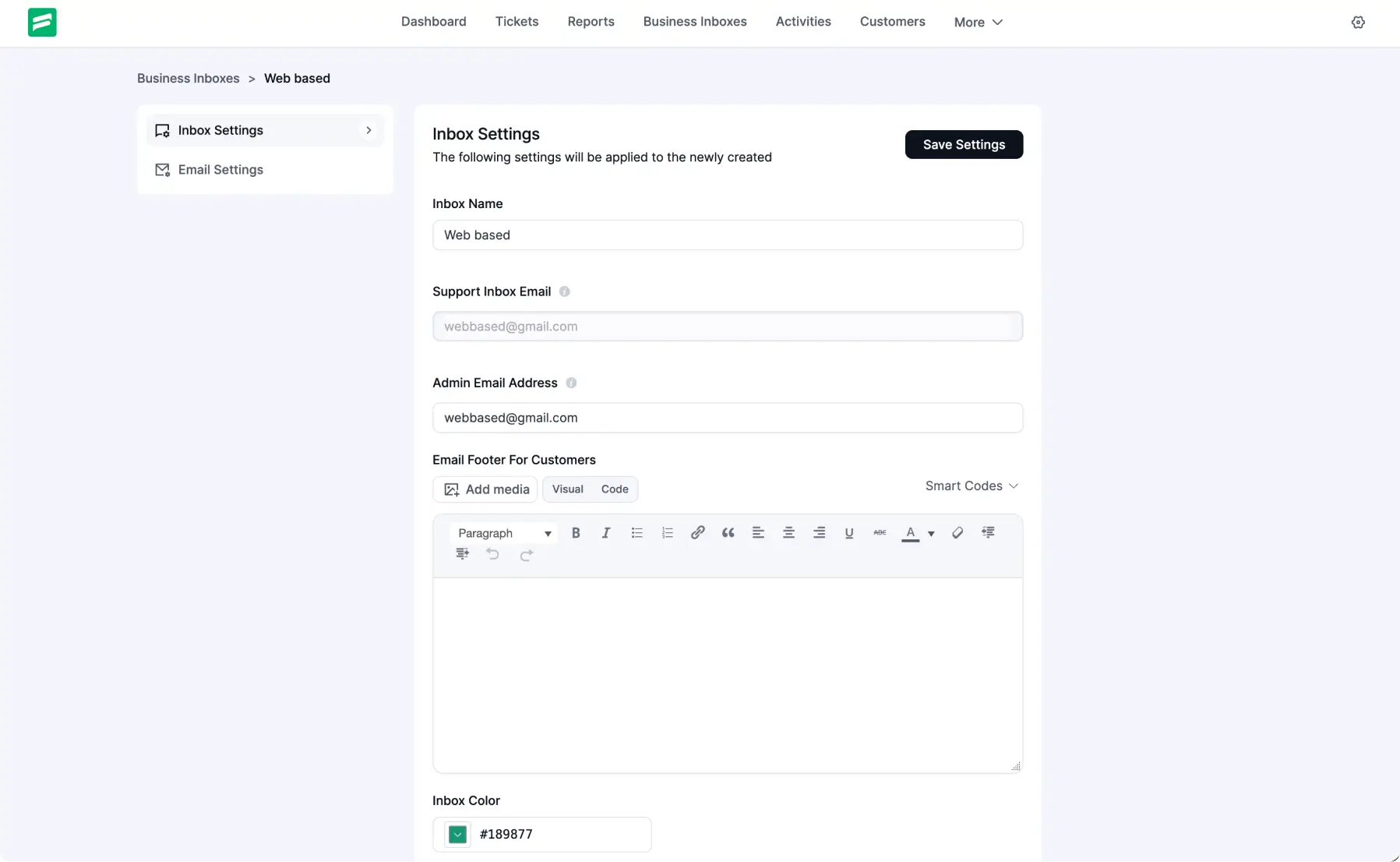
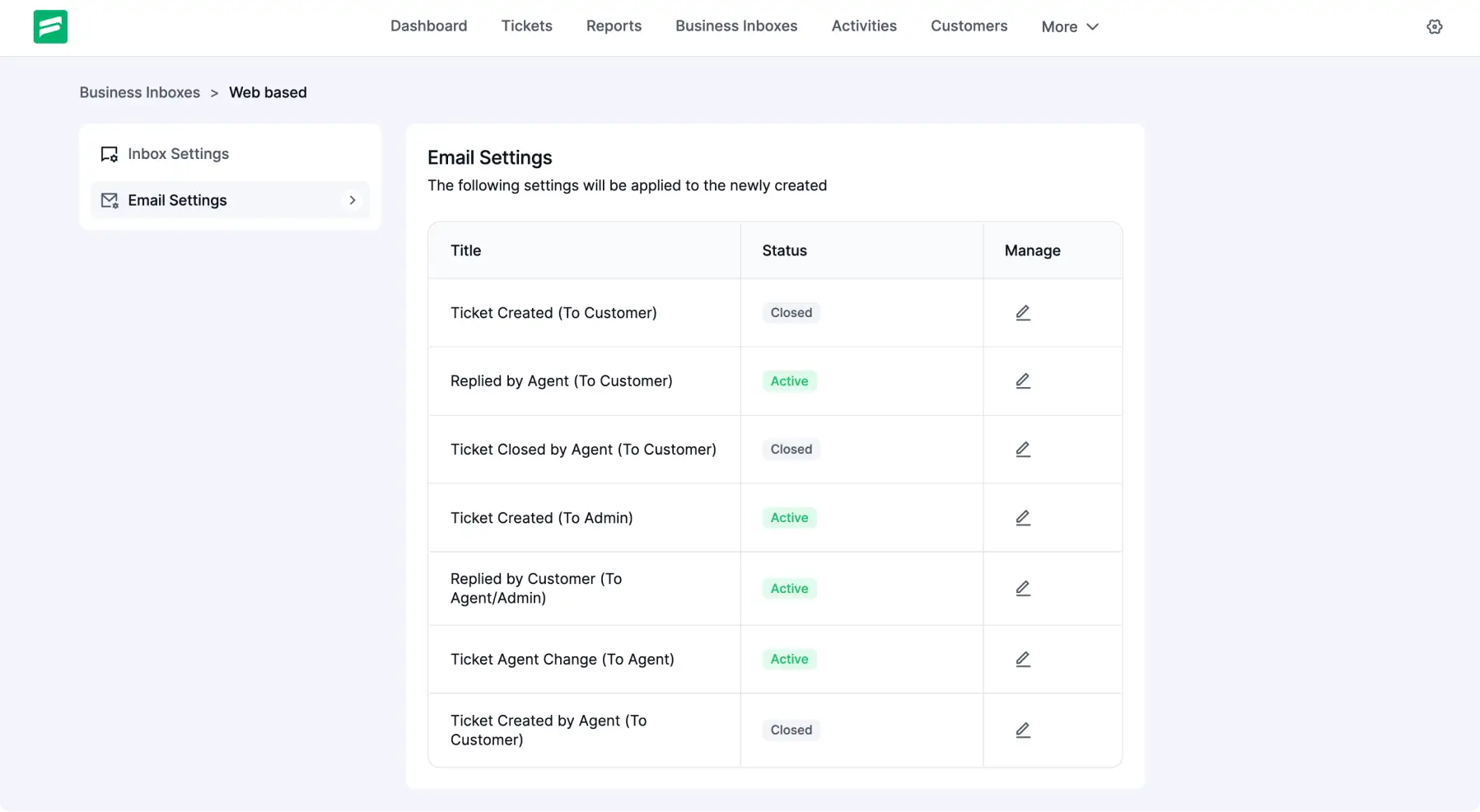
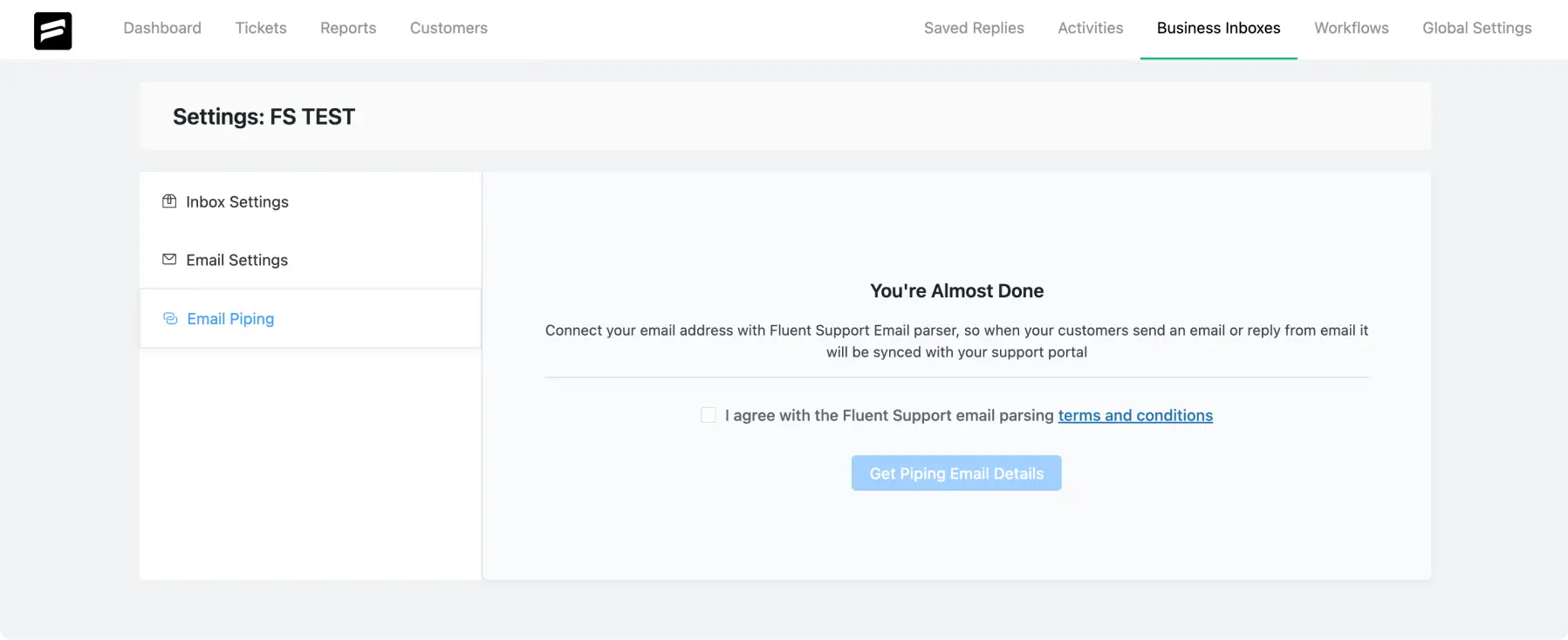
The Business Inbox now carries a modern design, and the page presents information with a calmer visual tone
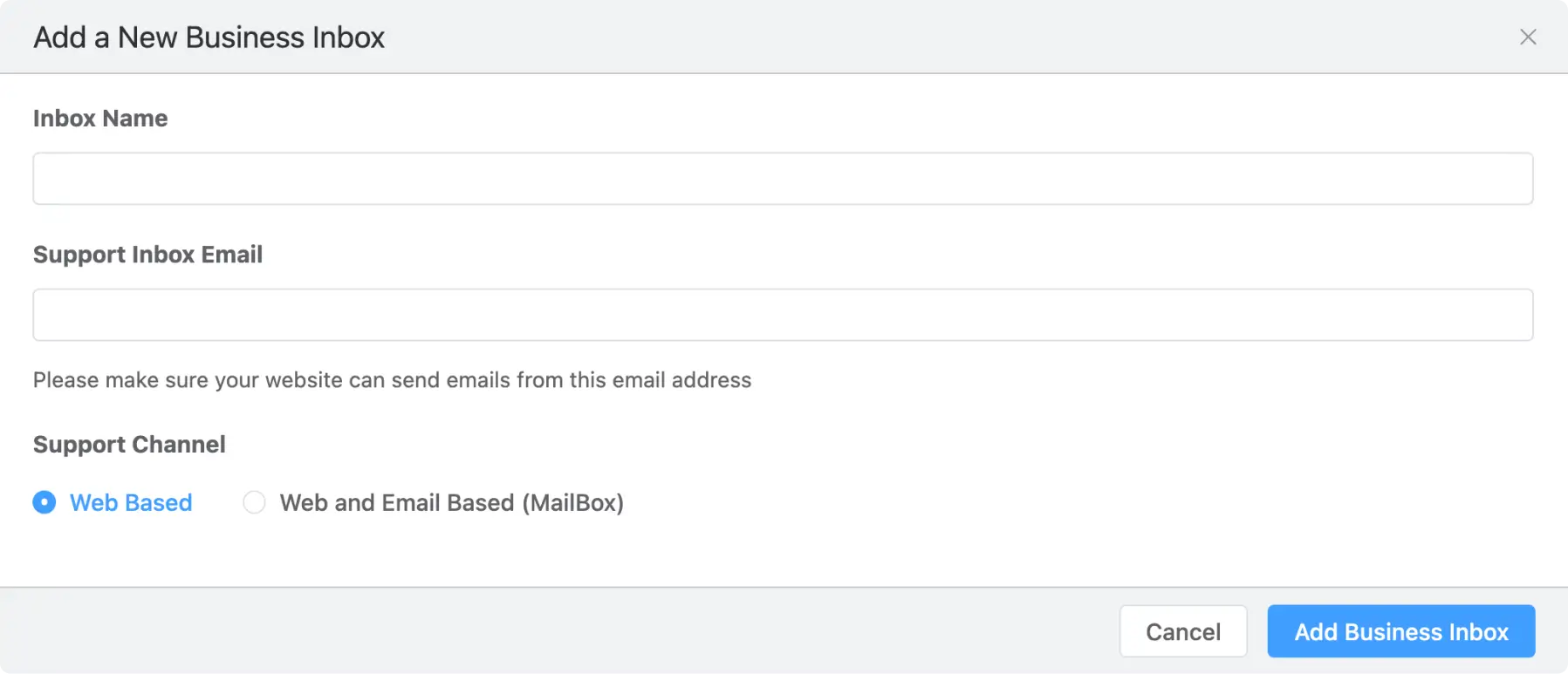
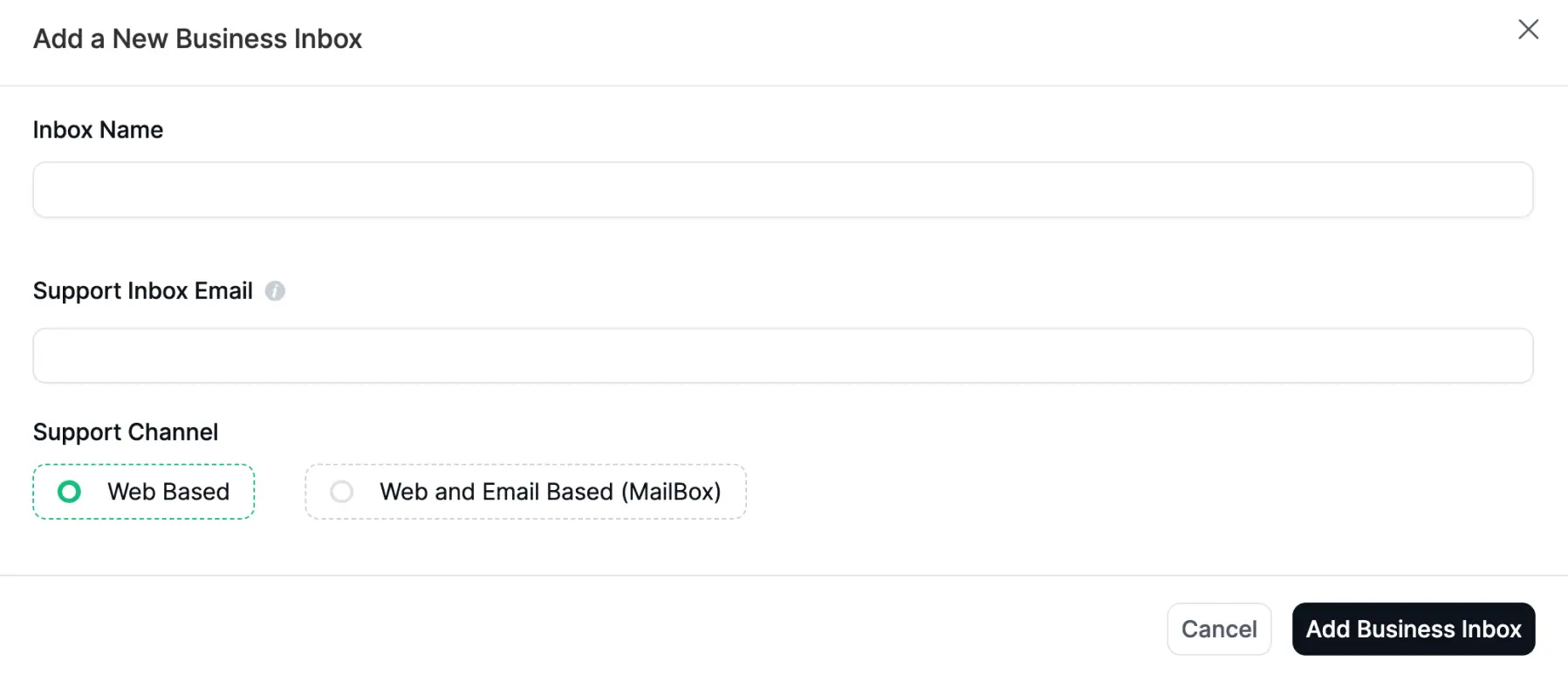
+ Add New Business Inboxes Popup
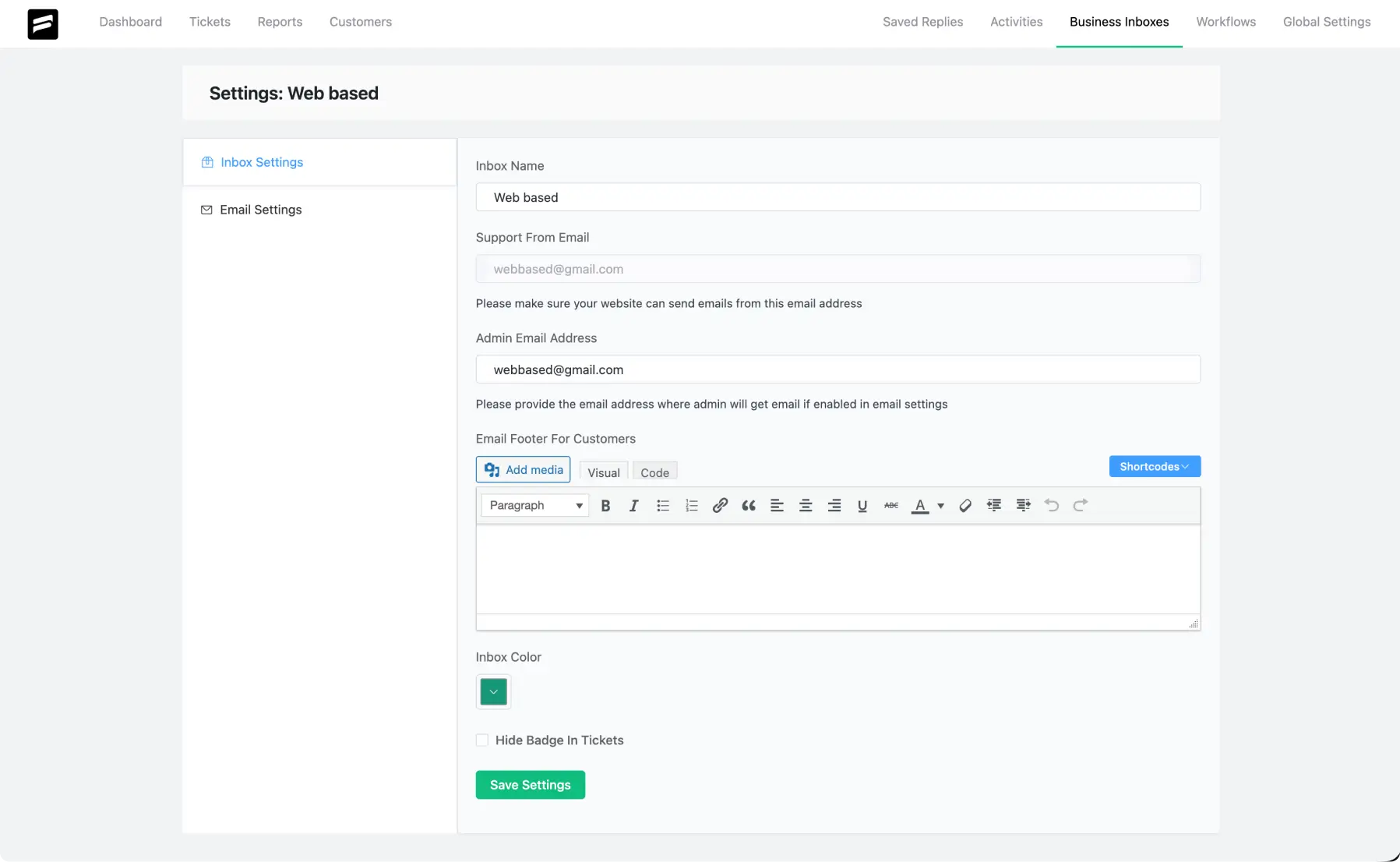
Inbox Settings
Email Settings
Email Piping
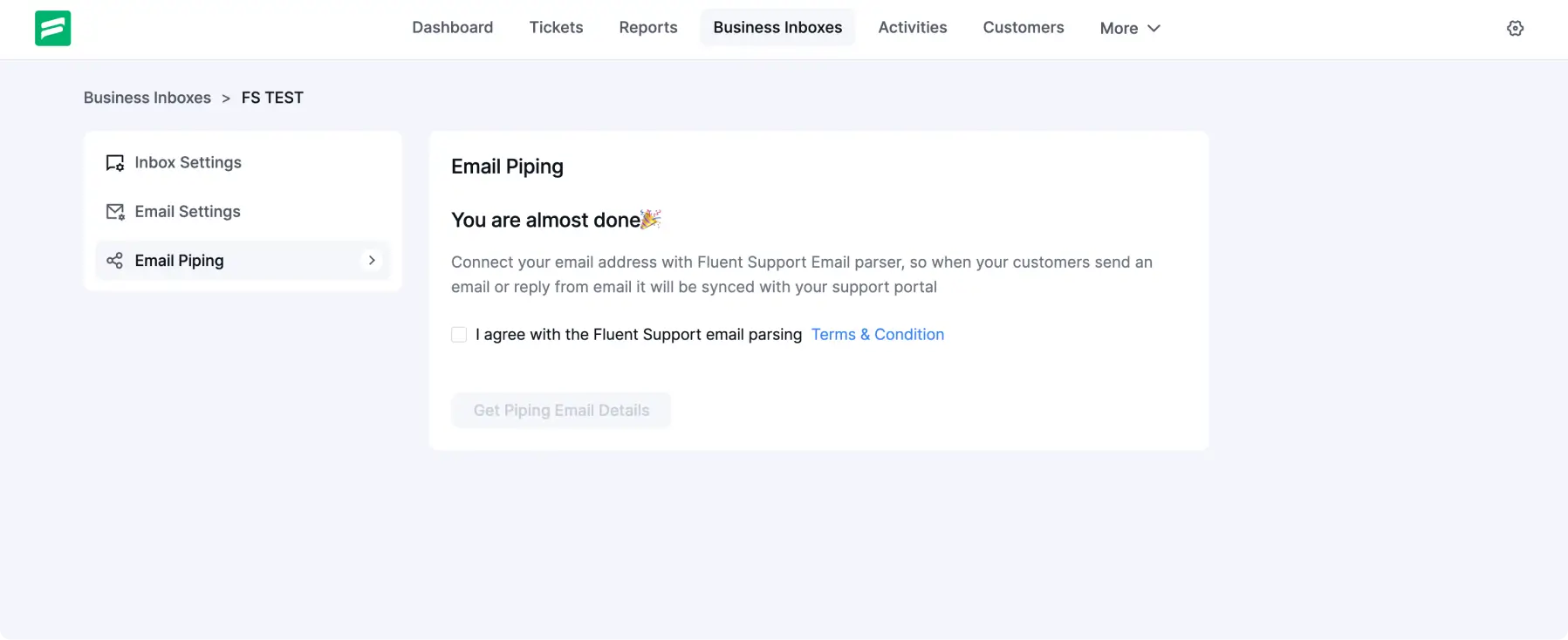
A More Comfortable UI for Building Automations
The Workflow Automation screen now offers a more considered experience when setting up and reviewing automations.
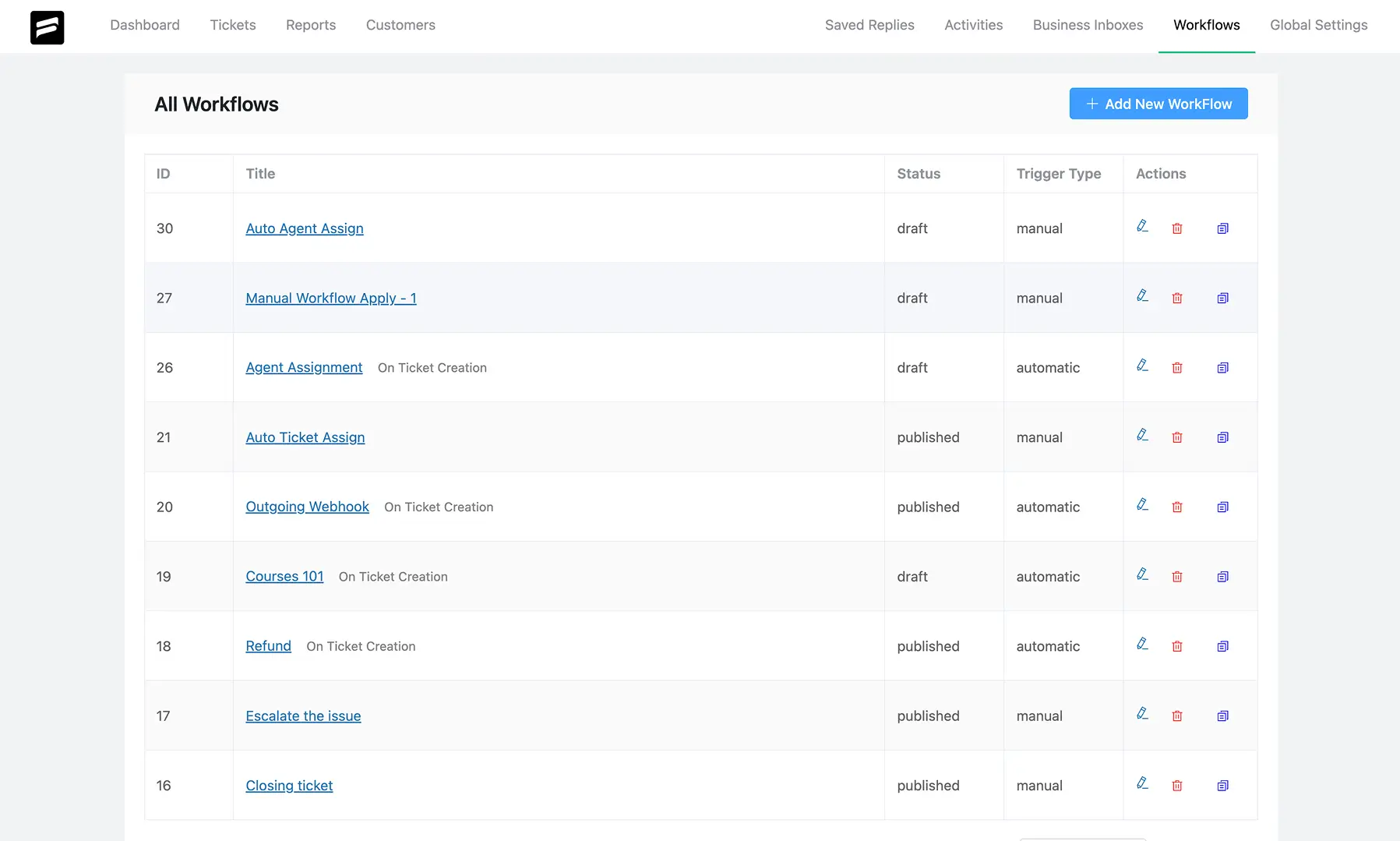
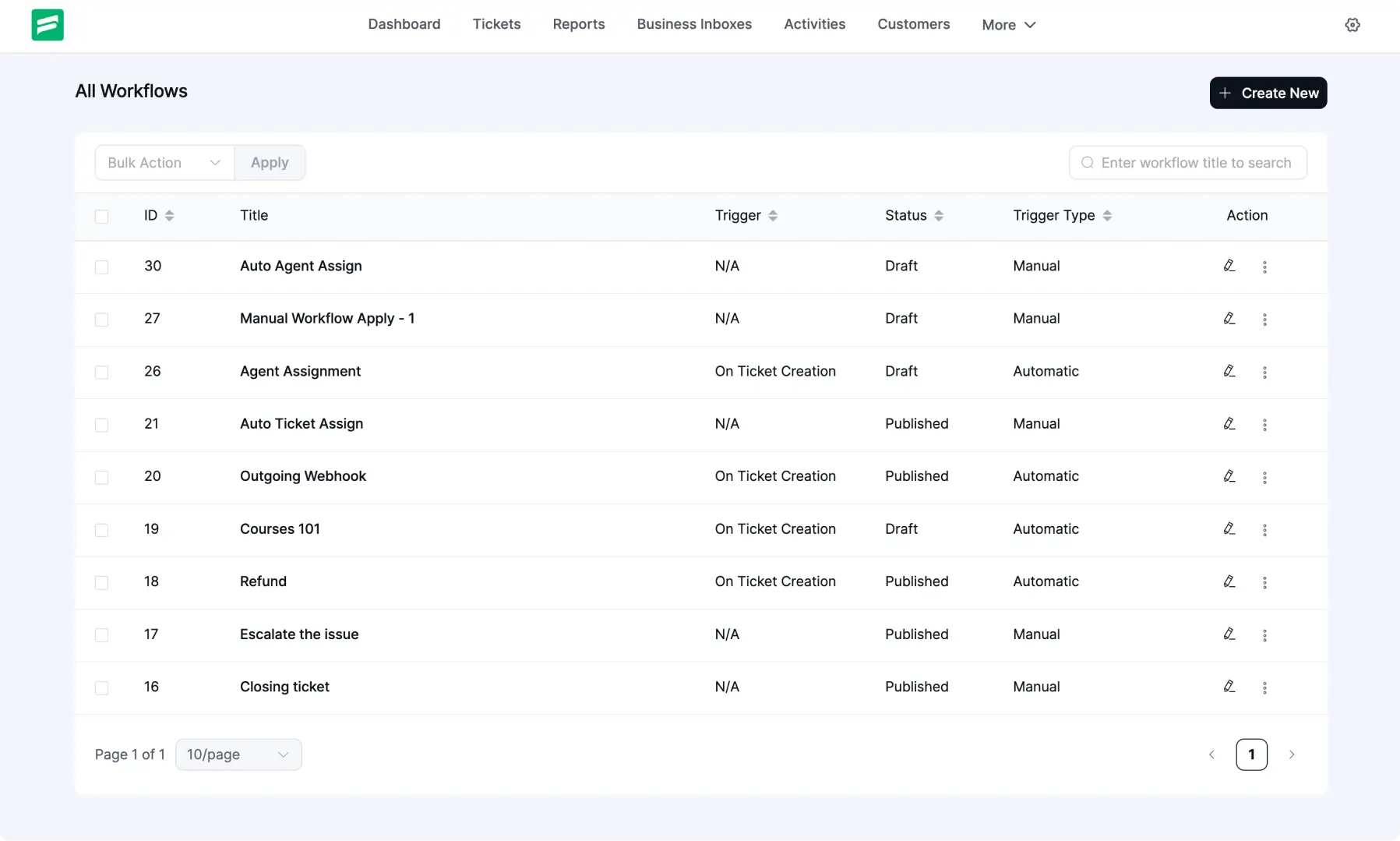
All Workflows
The All Workflows page includes search and bulk actions in the updated UI. Delete and Duplicate actions move into a three-dot menu for each workflow.
Manual Workflow Setup
The Manual Workflow screen now uses a more spaced layout, so reviewing and adjusting each action feels simpler. Save and Delete buttons also sit in better-placed positions.
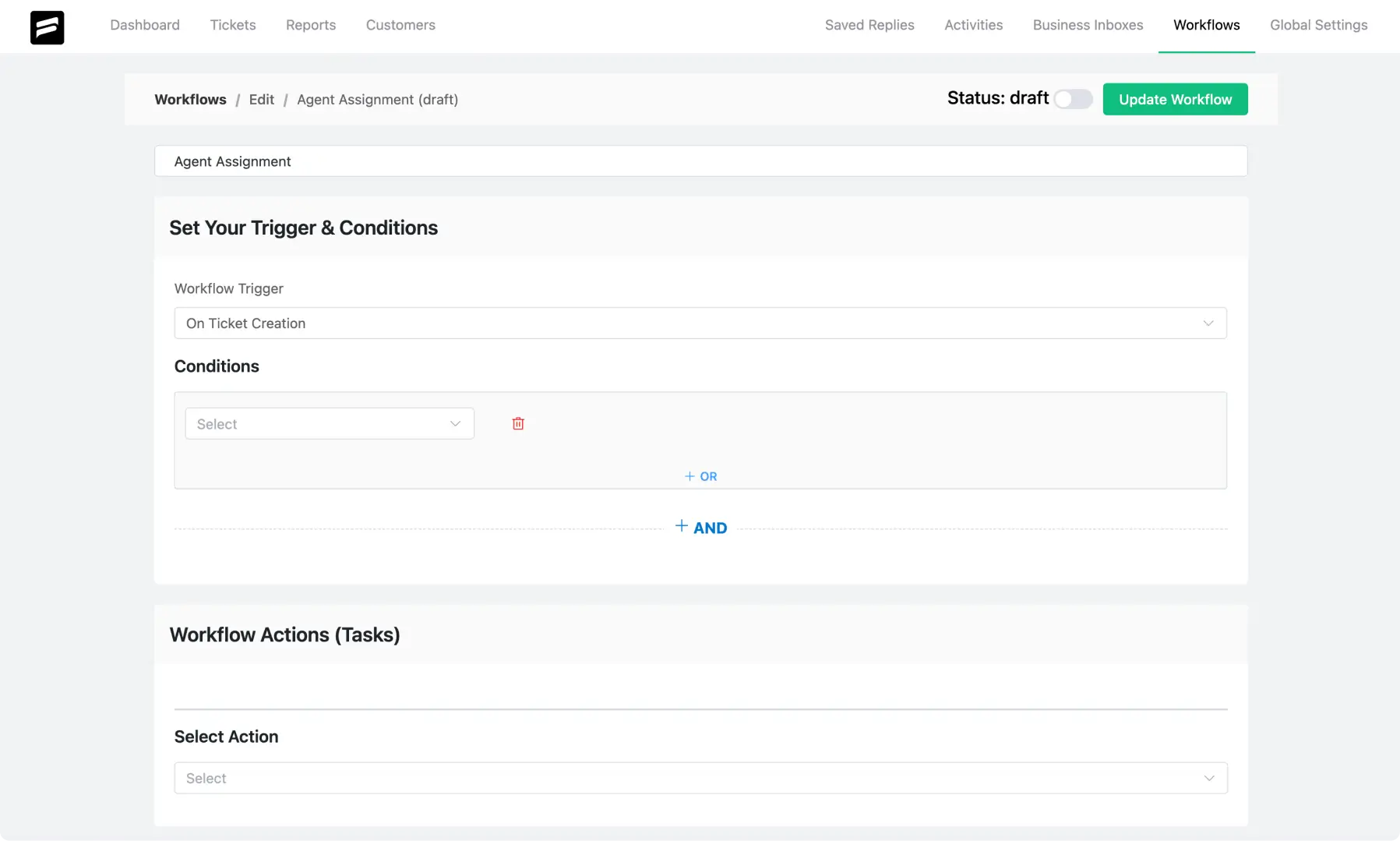
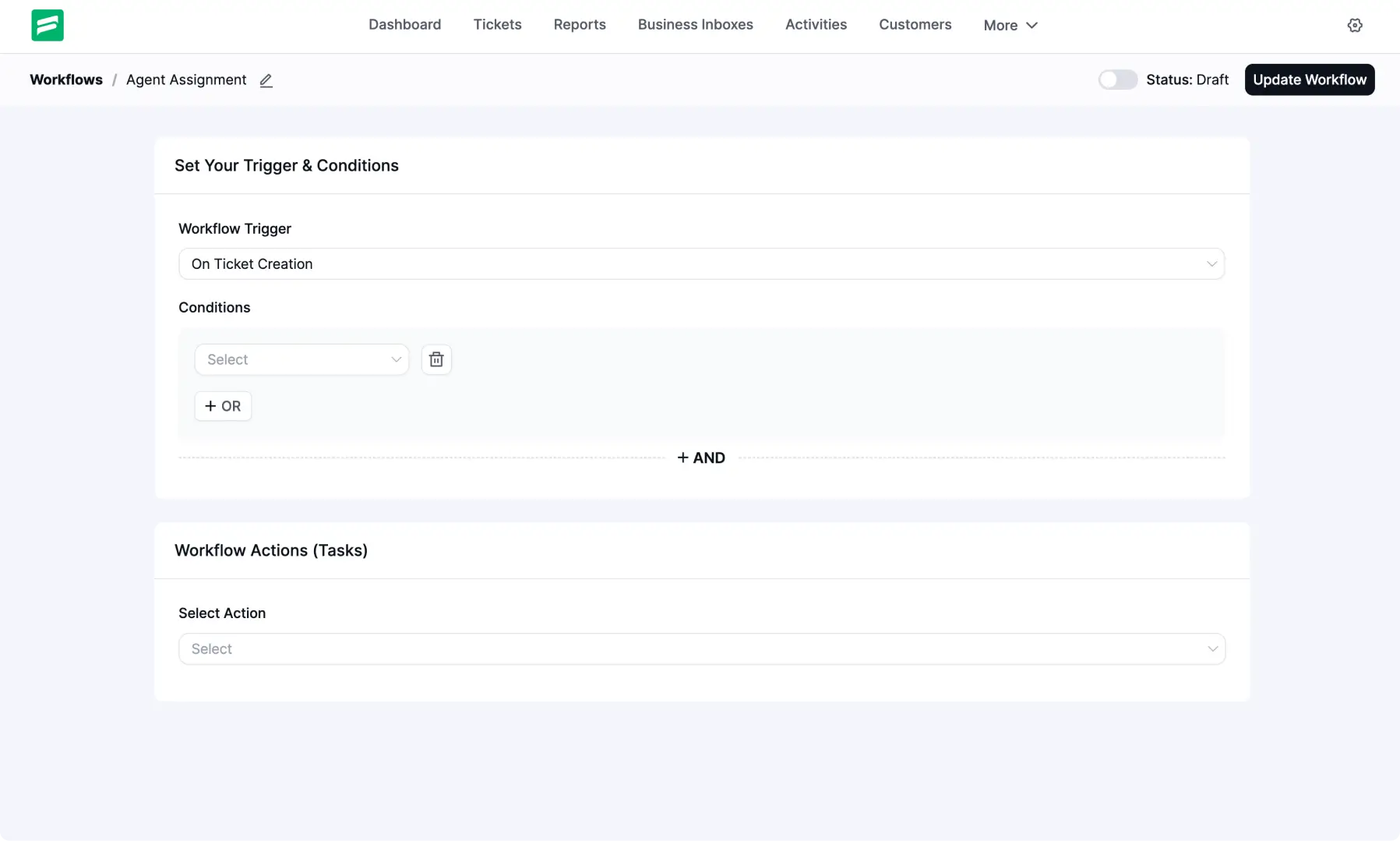
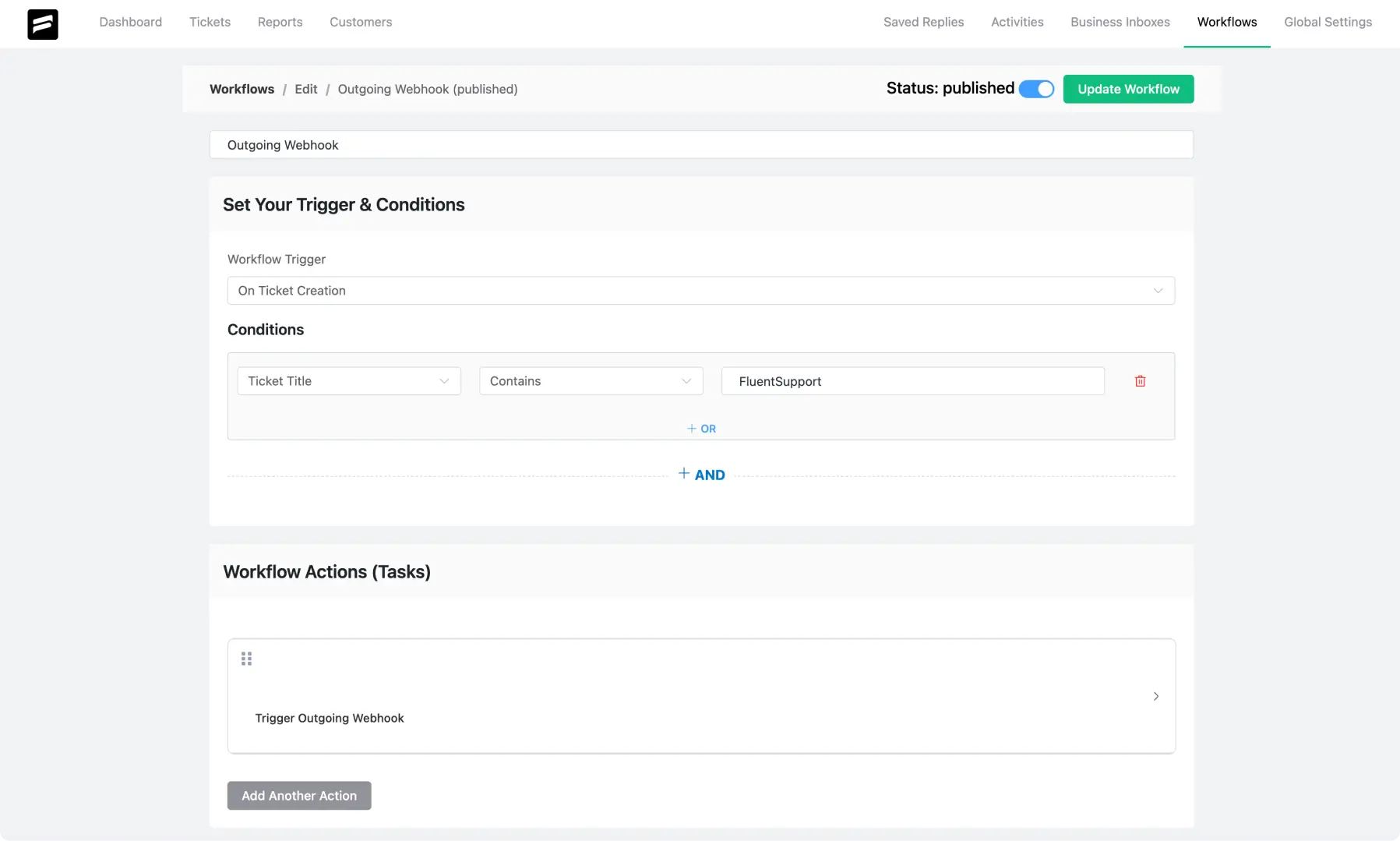
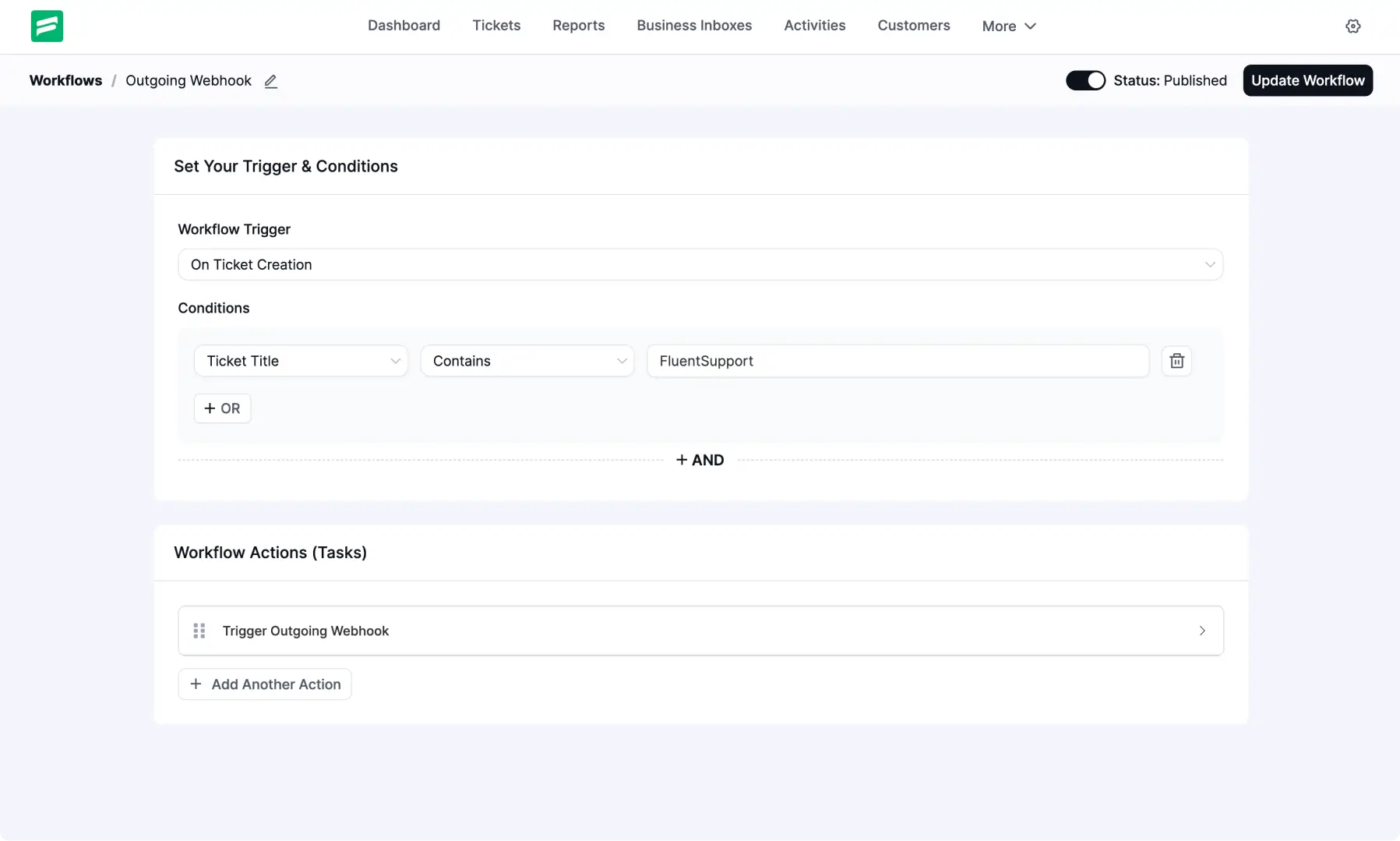
Automatic Workflow Setup
The Automatic Workflow screen reflects subtle design updates across the interface.
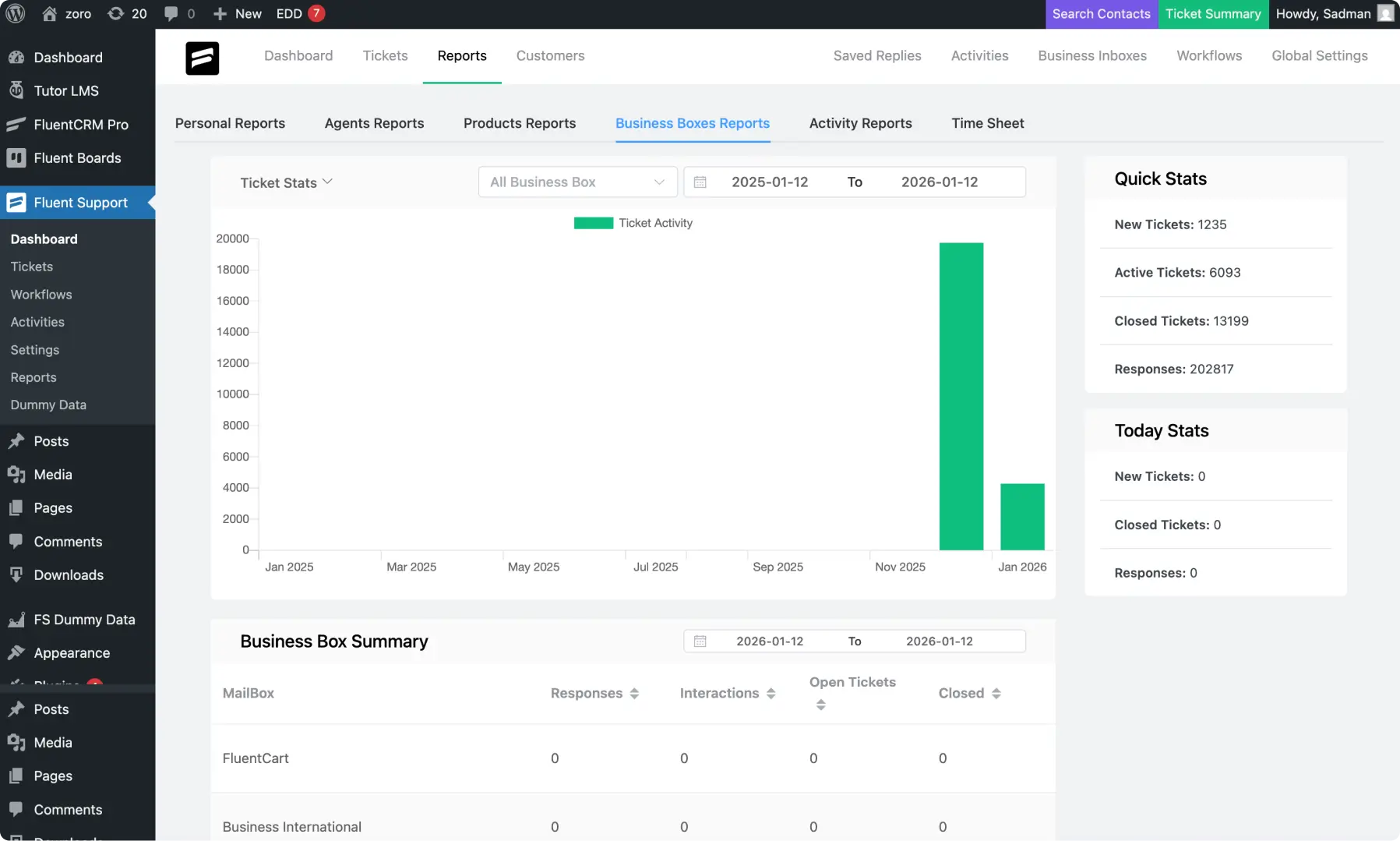
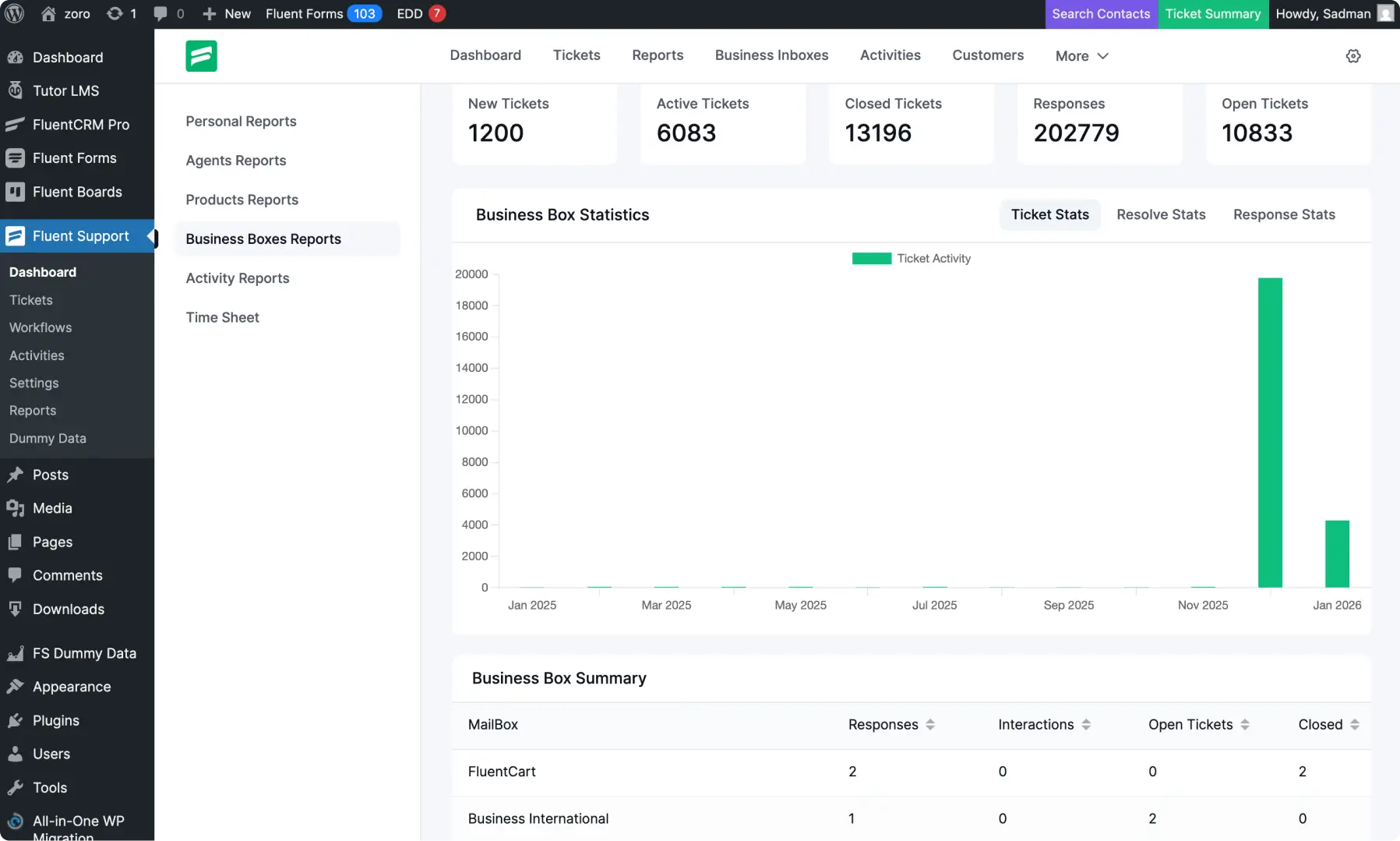
Reporting, Reorganized for Better Navigation and Scanning
Reporting sections are organized into a clearer navigation layout, with numbers and charts presented in a way that supports quick scanning across the page.
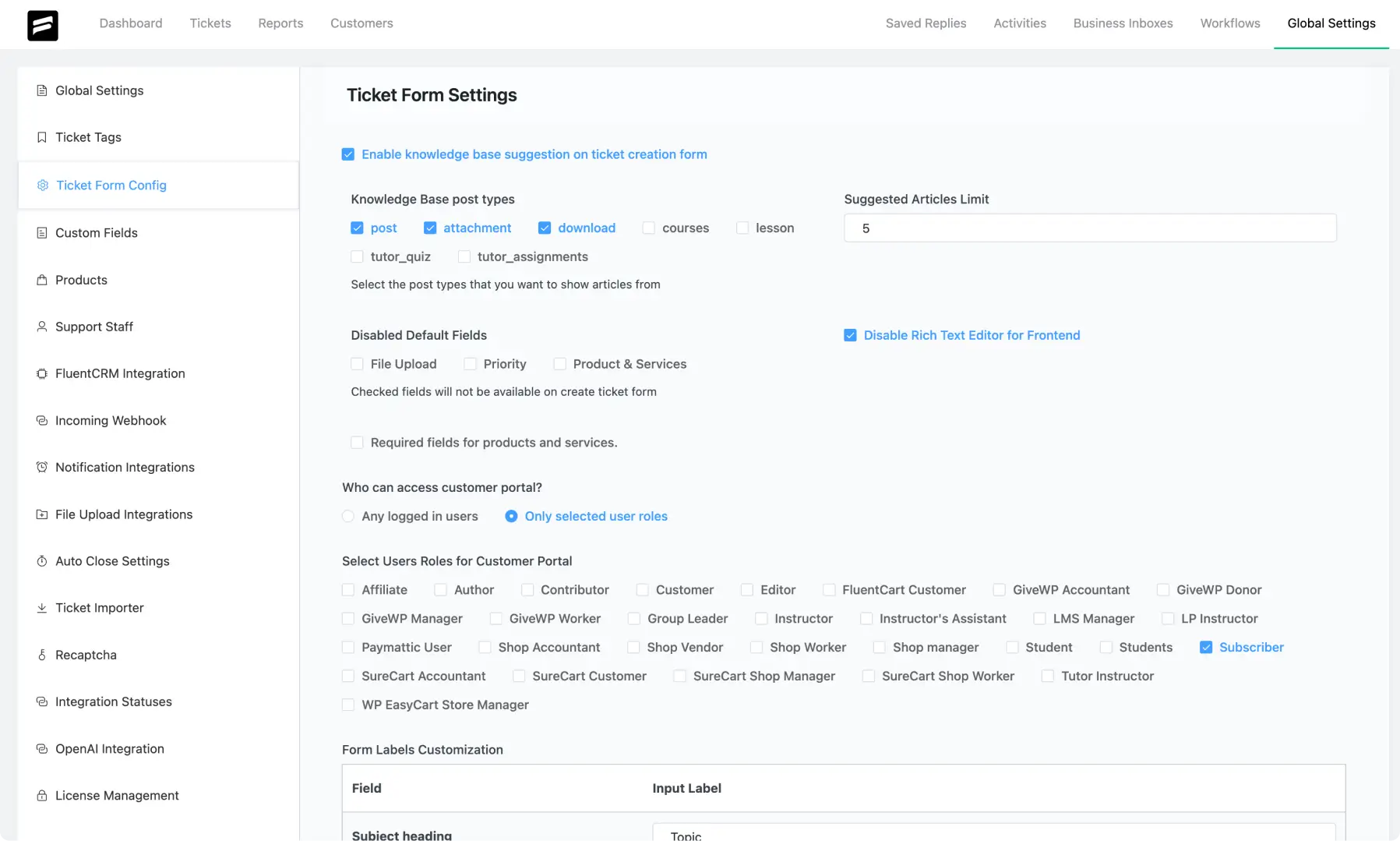
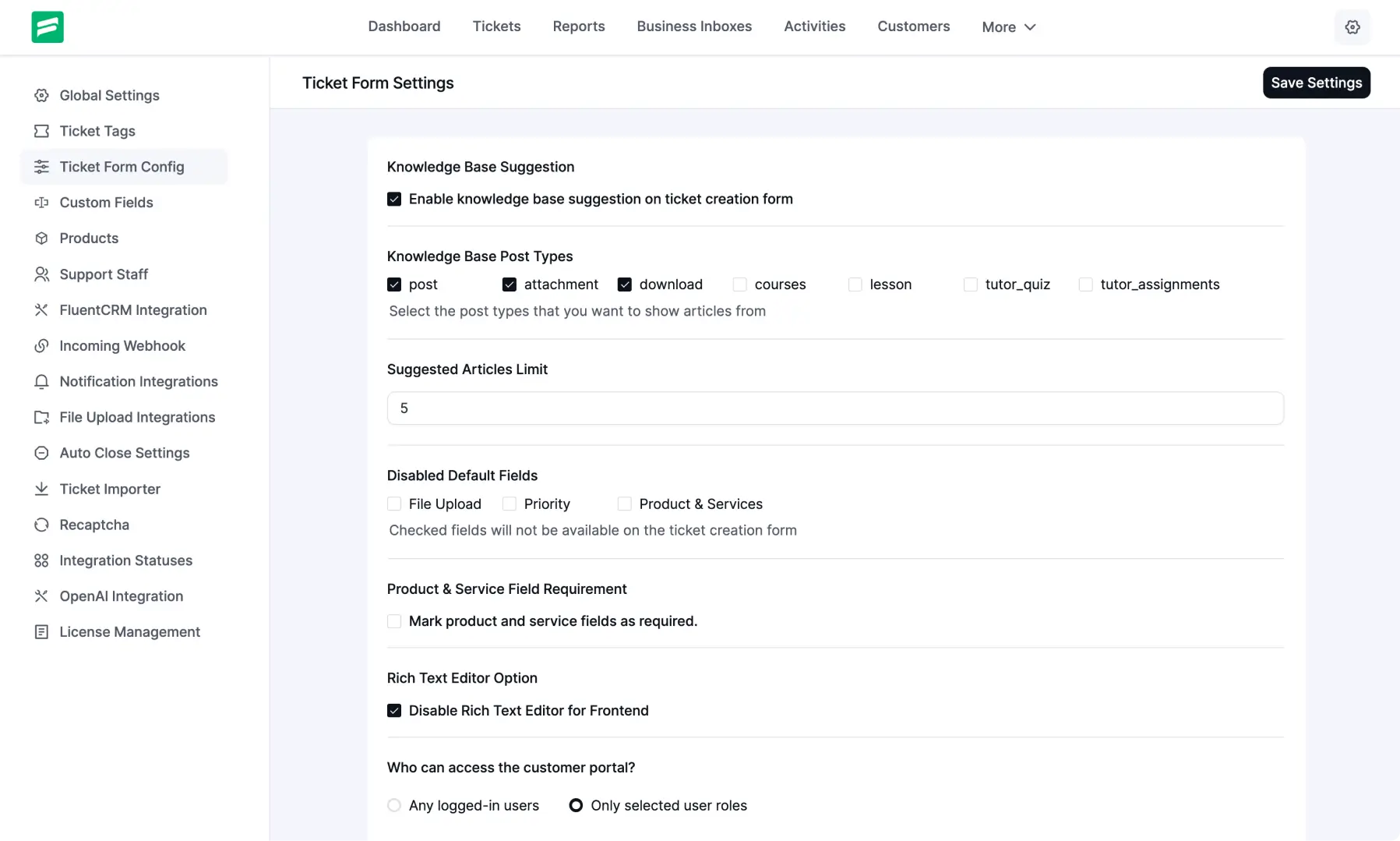
Ticket Form Configuration with a Refined Layout
Settings are arranged in a more structured way across the configuration screen.
Fair pricing, exceptional value
No hidden fees, no growth tax, and no unwanted surprises. All-inclusive pricing plans, no matter the business size.
Single Site License
$129
$90
/yr1-domain license
Billed annually*
10-business-email piping
Unlimited email parsing
1-year plugin update
1-year priority support
Agency License
$249
$174
/yr5-domain license
Billed annually*
50-business-email piping
Unlimited email parsing
1-year plugin update
1-year priority support
50 Sites License
$399
$279
/yr50-domain license
Billed annually*
500-business email piping
Unlimited email parsing
1-year plugin update
1-year priority support
Every Fluent Support Pro plan includes
Ticket management
User experience & accessibility
Communication & support
Agent productivity
Analytics & reporting
Automation & power usage
Security & compliance
You’ve got questions. We’ve got answers.
Here are some of the most common questions we receive. If you do not find what you need, check our documentation or contact us.