

Helpdesk for IT & Managed Service Providers
Deliver faster resolutions, manage multiple clients efficiently, and maintain SLA compliance without ticket chaos.

Add Clients Without Adding Complexity

Organize support across multiple clients
Managing IT support for dozens of clients through scattered emails creates missed SLAs and lost context. Fluent Support centralizes everything into one system.
Resolve technical issues faster
MSP success depends on first-call resolution and efficient escalation. Fluent Support gives your technicians the tools to diagnose and fix issues quickly.


Scale your MSP without infrastructure costs
Adding new clients shouldn’t mean upgrading your helpdesk. Fluent Support grows with your business without per-agent or per-ticket fees.
Suitable for diverse operations

Proper insights, better decisions
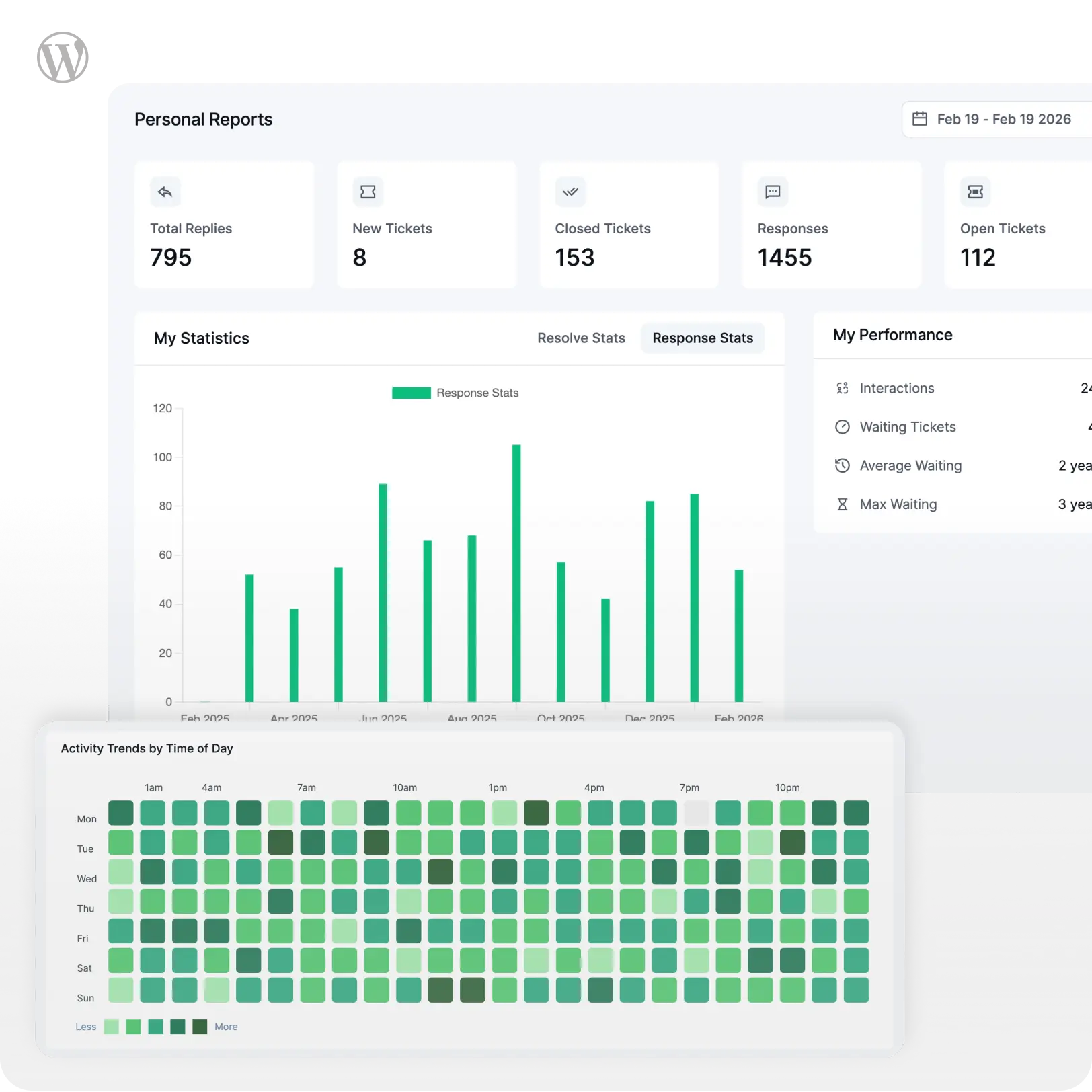
Track ticket volume, response trends, and agent activity with built-in reports that help you spot bottlenecks and improve response quality.
Report
Get detailed agent and team reports on the dashboard for efficient monitoring, and intuitive decision making.
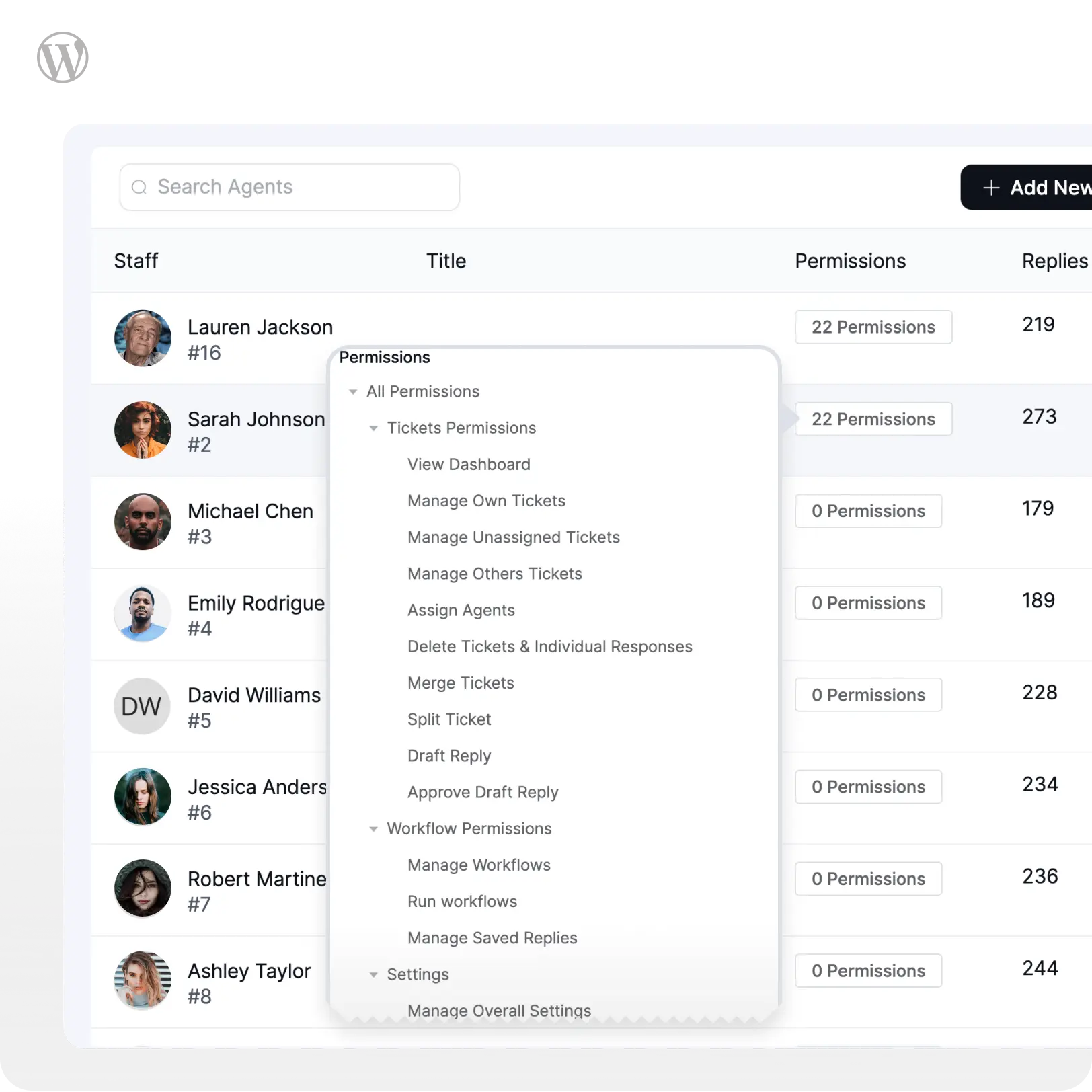
Agent Privilege
Set custom permissions for tailored access and optimal agent role management.
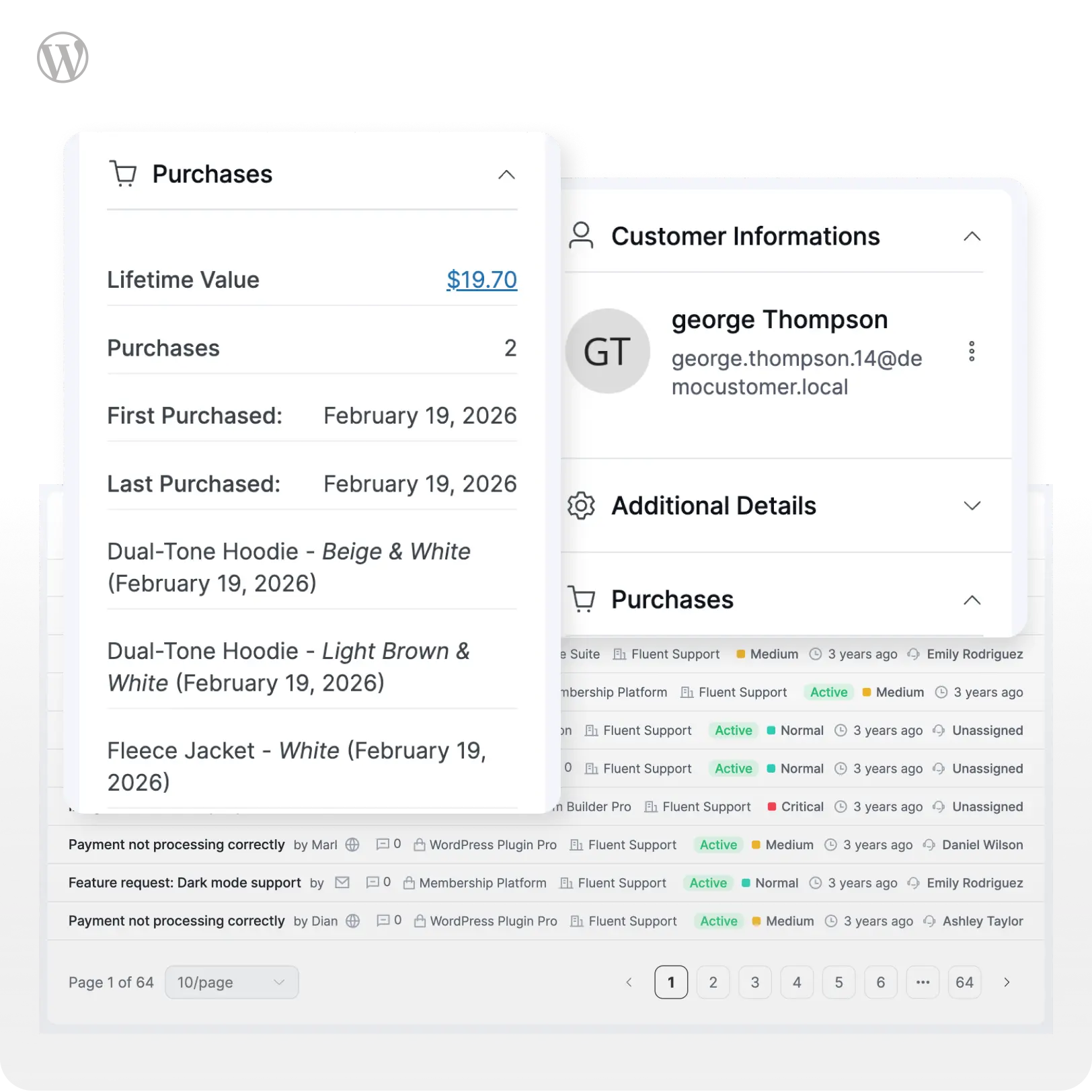
Customer History
Get customer details for personalized assistance. Track purchase history for e-commerce and membership businesses.
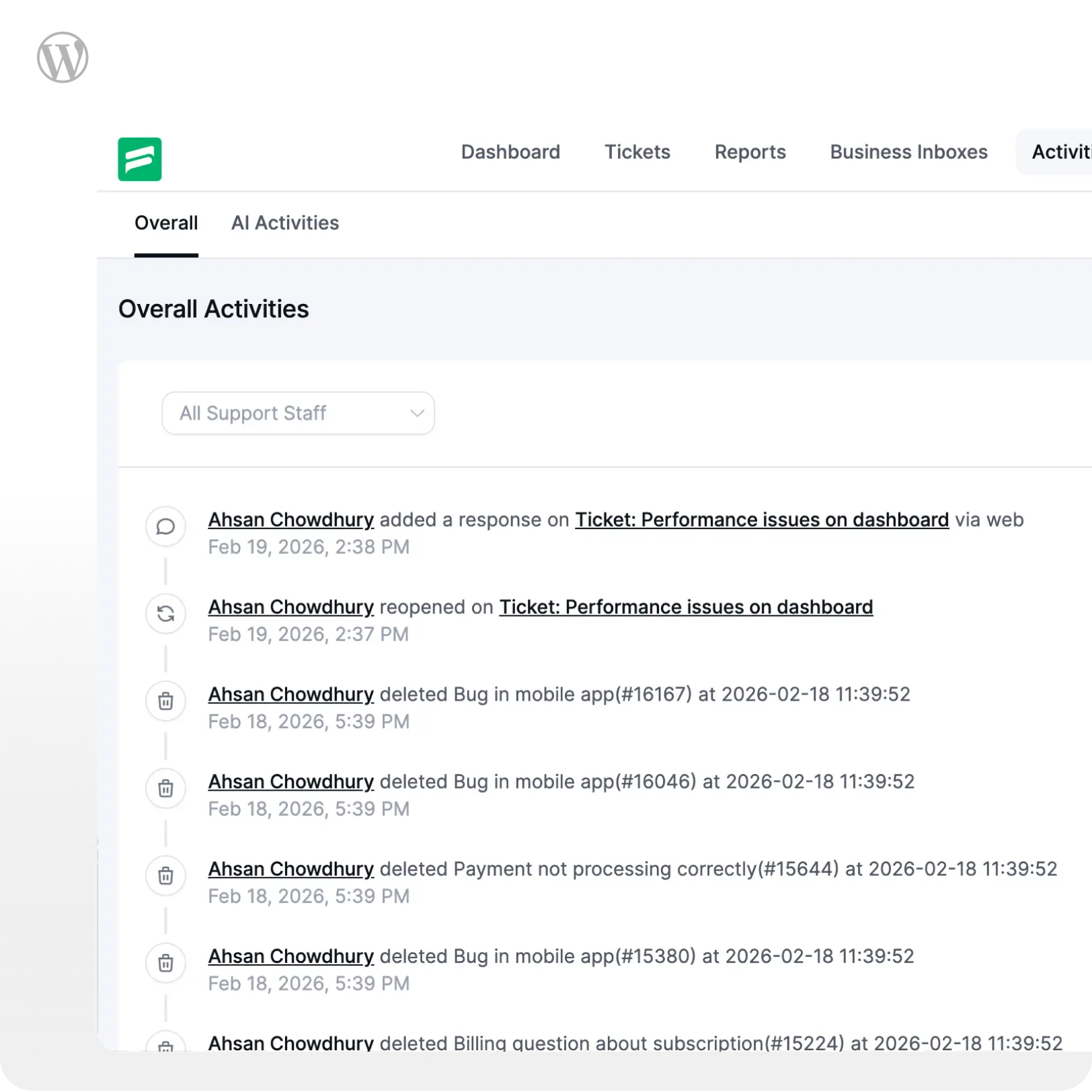
Activity Log
Track Support Agents’ ticket actions with Activity Logs. Filter logs by agents and time frames for clear insights.
Even better for developers
Fluent Support provides a long list of REST API, handy code snippets, and full code examples with detailed documentation.
REST API
Manage tickets, customers, agents, and other support operations by integrating Fluent Support with true headless functionality.
Webhooks
Actions Hooks
Run custom codes at a specific point and callback functions for actions under customized conditions for one-way response.
Filter Hooks
You can modify or extend the plugin’s data by filtering elements like ticket statuses, priorities, validation rules, and many more.
Helper Classes
Update or delete any data in our dashboard, or even pull any data to your custom dashboard with several helper classes.
You’ve got questions. We’ve got answers.
Here are some of the most common questions we receive. If you do not find what you need, check our documentation or contact us.