
Fluent Support 2.0.5: Dark Mode, GPT-5.2 Support, Performance Improvements, and Fixes

By Shahjahan Jewel
March 3, 2026
Last Modified: March 3, 2026


Hey Folks. Fluent Support 2.0.5 has landed!
This is a focused update with a few new additions, noticeable performance improvements, and several important fixes to make your support workflow more stable and comfortable.
So, what’s new in Fluent Support 2.0.5?
In this version, we’ve introduced Dark Mode for the admin dashboard, added support for OpenAI’s latest GPT-5.2 models, improved permission control with a read-only option, optimized performance in key areas, and resolved multiple issues reported by users.
Let’s explore the changes in this version.
Dark Mode for Admin Dashboard
Fluent Support’s admin dashboard now supports Dark Mode.
If your team spends long hours inside the support panel, this helps reduce eye strain and makes the interface more comfortable to work with, especially during extended sessions.
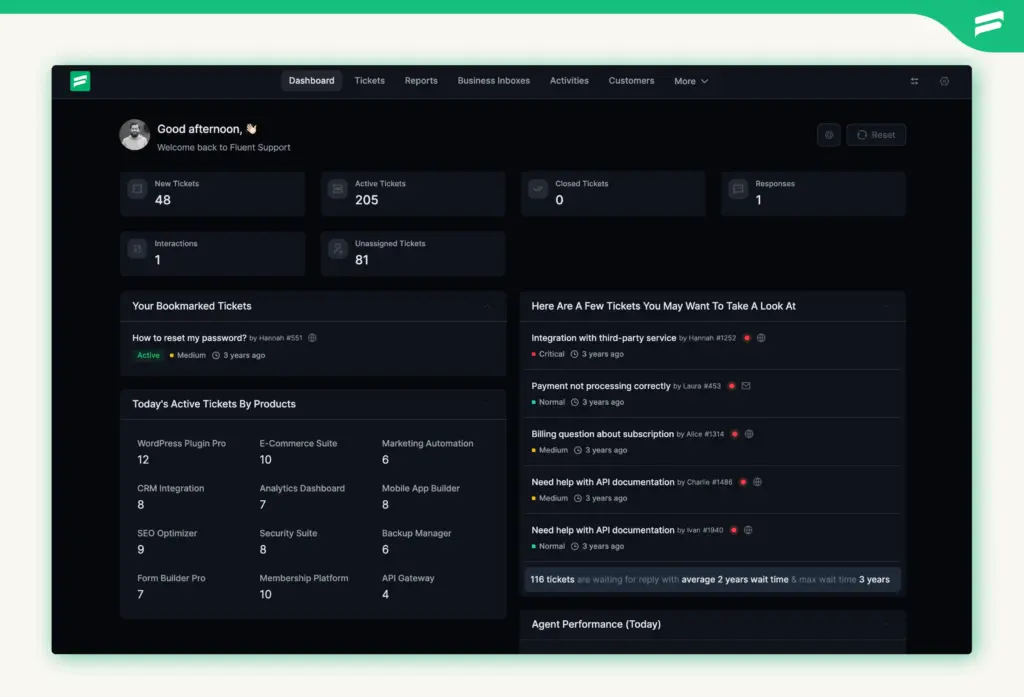
Note: This is the first version of Dark Mode. We’ll continue refining color adjustments and improving visual balance in upcoming updates.
OpenAI GPT-5.2 Support
Fluent Support now integrates with OpenAI’s GPT-5.2 and GPT-5.2 Chat models.
If you’re using AI-powered workflows, this update supports the latest GPT-5.2 models across features like AI Ticket Reply, Customer Sentiment analysis, Ticket Summary, AI Generated Reply, and Fine-Tune.
View Tickets (Read-Only) Permission
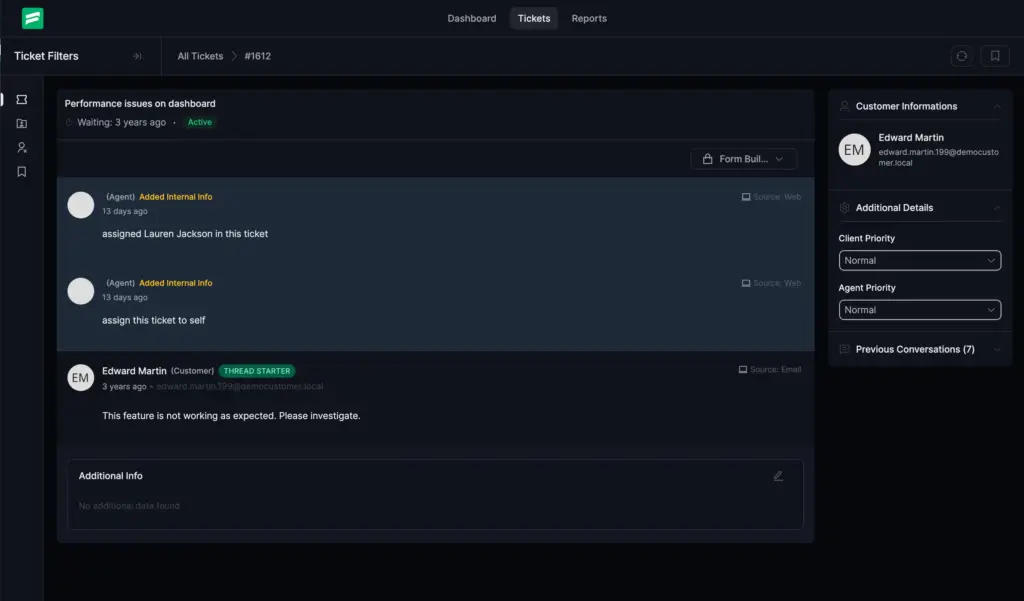
We’ve added a new “View Tickets” permission for better role control.
With this option, you can allow users to see tickets without giving them the ability to reply, edit, or modify anything. This is useful for managers or team members who need visibility without direct involvement.
Improvements in This Release
Along with new features, we’ve worked on performance and system optimization to make daily support tasks smoother.
Faster Ticket List Loading
The ticket list now loads noticeably faster, particularly for larger datasets. This helps your team navigate tickets without unnecessary delays.
Optimized Large-Scale Zendesk Migrations
If you’re migrating from Zendesk, large data imports are now more optimized for better processing and stability.
Bug Fixes
We’ve also resolved several issues reported by users:
Draft Reply Permission Issue
The Draft Reply permission was not functioning correctly in some cases. This has now been fixed.
Attachment Links During Ticket Merges
Attachment links were breaking after merging tickets. This issue has been resolved.
Unordered List Formatting
Formatting issues with unordered lists inside ticket content have been fixed.
Integration Settings Save Button Visibility
In some cases, the save button in Integration Settings was not visible. This has been corrected.
“Waiting Since” Tooltip Date
The tooltip was showing incorrect dates. It now reflects accurate information.
Saved Replies Left Menu Link
The left menu link for Saved Replies was not working properly. This has been fixed.
Login Page Styling Issue
A styling glitch on the login page has been resolved.
Date Range Picker Layout on Smaller Screens
Layout issues with the date range picker on smaller screens have been corrected.
Wrapping Up
Fluent Support 2.0.5 continues refining the 2.0 experience with better comfort, improved performance, and stronger stability.
As always, your feedback helps us identify what needs improvement and where we should focus next. Keep sharing your feedbacks.
That’s all for this release. Update today and enjoy the improvements.
Happy supporting!
Related Articles
Fluent Support 2.1.0: Agent Groups, Agent Signatures, and Cloud File Storage
Fluent Support 2.1.0 is here! This is a…The Ritz-Carlton Gives Employees $2,000 to Spend on You
Discover how Ritz-Carlton’s $2,000 rule, based on customer…







Leave a Reply