
9 Best AI Agent Builders You Need to Try in 2026

By Prosanjit Dhar
February 17, 2026
Last Modified: February 17, 2026


AI agents can now run businesses while you sleep. Indeed, this is the new era of intelligent automation we’re rapidly heading toward.
Today’s AI agents can handle your production, customer support, data analysis, and everything in between. So if you’re an entrepreneur or business leader looking to invest in AI agents, you might be wondering which AI agents actually deliver the most value?
In this guide, we’ll explore the 8 best AI agent builders for 2026. You’ll discover their pricing, core features, and real-world applications so that you can find the right fit for your business.
Top 9 AI Agent Builders in 2026: TL;DR
|
Tool |
Type |
Free Plan |
Paid Starting Price |
Best For |
|
Low-Code Workflow Automation |
Yes, self-hosted (Community Edition: unlimited executions, but you pay for hosting, $5–10+/month infrastructure) |
Up to 100 support requests per month |
Teams needing deep integrations & custom workflows | |
|
AI-Powered Assistant Builder |
No (custom GPTs/agents require paid plan) |
$20/mo (ChatGPT Plus required for custom GPTs/agents) |
Quick custom GPT agents for specific tasks | |
|
No-Code AI Workflow Platform |
Yes, limited (e.g., 500 runs/month, basic features) |
$199/month (Starter) |
Enterprises building production-ready AI apps | |
|
No-Code AI Agent Platform |
Yes, limited (e.g., 400 credits/tasks/month) |
$19.99-49.99/month (Starter/Pro) |
Busy professionals automating daily tasks | |
|
No-Code Workflow Builder |
Yes, 2,000 credits/month |
$37/month (Solo, 10k+ credits) |
Small businesses automating repetitive work | |
|
Open-Source Autonomous AI Agent Framework (Self-Hosted) |
Yes, fully open-source |
None required (bring-your-own LLM API keys, e.g., OpenAI/Anthropic/Claude credits) |
Individuals, developers, and power users want a proactive personal AI assistant that runs real actions | |
|
Code-Based Framework |
Yes (open-source core free; some hosted tiers free/limited) |
$25/month (Professional) or $99/month in some views |
Developers building multi-agent systems | |
|
No-Code Agent Assistant |
Limited (beta/tied to Zapier free; e.g., 400 activities) |
Standard Zapier pricing ($29.99/month Professional + add-ons) |
Users extending existing Zapier automations | |
|
Conversational AI Builder |
Yes, limited (1,000 messages or basic credits) |
$60/month (10k credits) |
Businesses creating voice & chat agents |
What is an AI agent builder?
An AI agent builder is a low-code or no-code platform used to create, deploy, and manage autonomous AI agents that can perform tasks, reason through problems, and interact with external systems.
By connecting large language models (LLMs) with external data and tools, this system can automate task execution with minimal human oversight.
Let’s check some of the best AI agent builder platforms.
1. n8n: The power user’s automation platform
Type: Low-code workflow automation platform
Free Plan: Yes, self-hosted (Community Edition: unlimited executions, but you pay for hosting, $5–10+/month infrastructure)
Best For: Technical teams requiring deep customization and extensive integrations
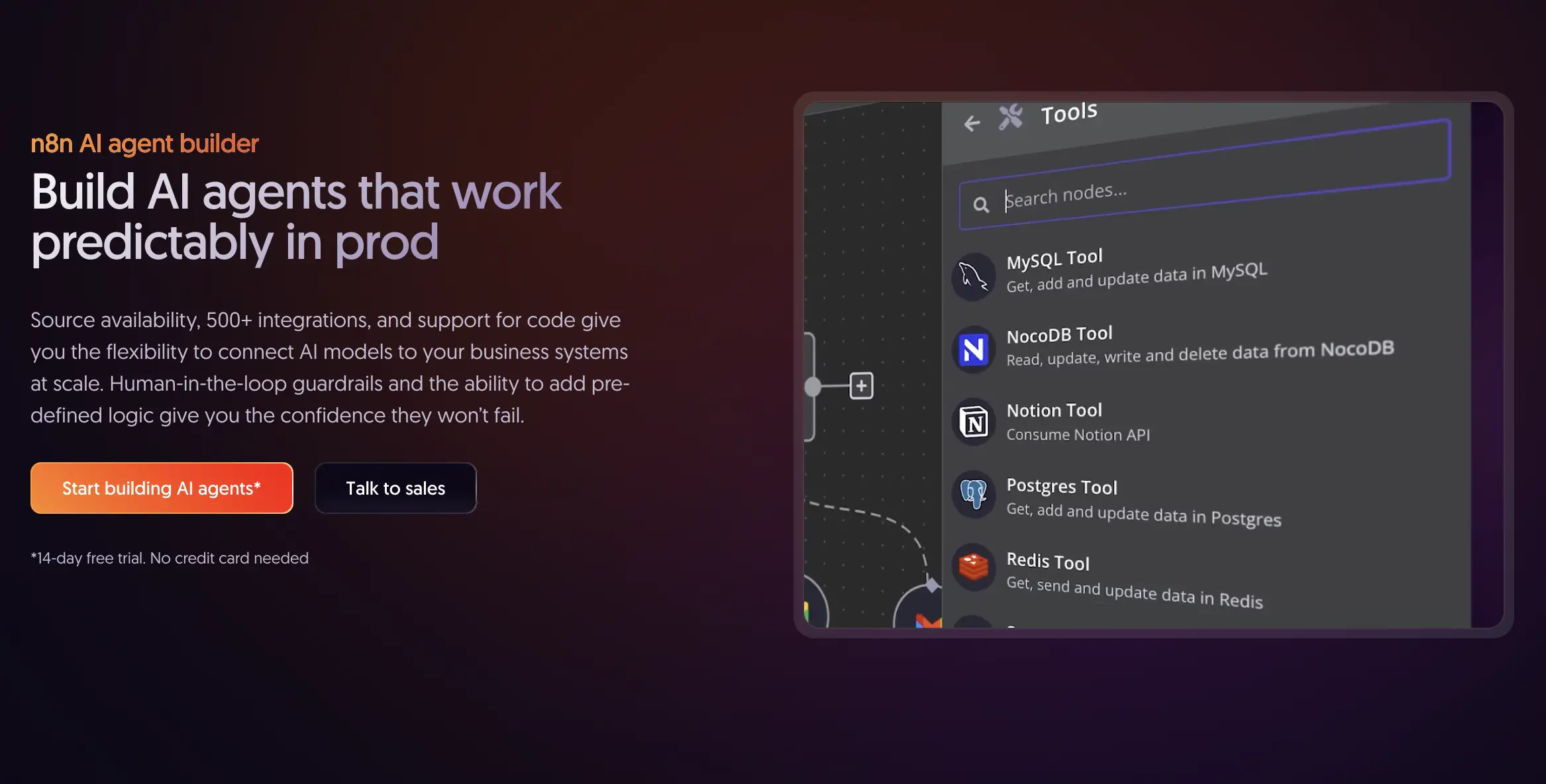
n8n is an open-source workflow automation platform that lets you create AI agents with a visual interface. You keep the flexibility to write custom code when needed.
The integration library has over 400 native connectors. This also includes Fluent Support to build intelligent ticketing agents with ease. You can connect triggers, actions, and AI processing steps into complex workflows.
How n8n Works:
- Choose your trigger: Email received, webhook called, schedule-based, or manual
- Add processing nodes: Connect APIs, databases, or third-party services
- Integrate AI: Use GPT-4, Claude, or custom models for intelligent processing
- Define logic: Conditional branching, loops, and error handling
- Deploy and monitor: Self-host for free or use the cloud with built-in monitoring
The 2026 update introduced AI Agent Templates in n8n. These are pre-built workflows for lead qualification, content generation pipelines, and data enrichment agents.
Pros: Extensive integrations, self-hosting option, strong developer community, highly customizable.
Cons: Steeper learning curve than pure no-code tools, requires technical knowledge for advanced features.
2. ChatGPT Agent: Custom AI agent in minutes
Type: AI-powered assistant builder (GPT Store)
Free Plan: Requires ChatGPT Plus subscription ($20/month)
Best For: Quick deployment of task-specific AI agents without coding
OpenAI’s ChatGPT Agents democratized AI agent creation. With a ChatGPT Plus subscription, anyone can build specialized agents in minutes.
You can tell ChatGPT what kind of agent you want to create. Such as,
Build me a social media content analyzer that reviews posts and suggests improvements based on engagement data,”
ChatGPT asks, clarifying questions. You upload reference documents or guidelines. And, your agent is live!
The strength lies in customization through conversation. Want your agent to have a specific tone? Just describe it.
Need it to follow particular formatting rules? Upload an example.
ChatGPT Agents support web browsing, image generation with DALL-E, code execution, and custom API integrations.
Marketing teams can create brand voice agents that draft social posts matching their style guide. Sales professionals can build proposal-writing agents trained on successful past deals. Educators can create tutoring agents specialized in specific subjects.
Use Fluent Support’s OpenAI integration to make every interaction better and faster.
Pros: Fast setup, no technical skills required, built-in AI features, growing marketplace.
Cons: Limited to OpenAI’s ecosystem, less control over complex workflows, requires ChatGPT Plus.
If you need a specialized AI assistant deployed today, ChatGPT Agents are your answer. They’re perfect for testing concepts before investing in more complex platforms. Don’t expect enterprise-grade workflow orchestration.
3. Stack AI: Enterprise AI without the engineering team
Type: No-code AI workflow platform
Free Plan: Yes, limited runs and features; paid from $199/month
Best For: Enterprises and scale-ups building production-ready AI applications
Stack AI is a platform for companies that need enterprise-grade AI agents. You don’t need to hire a machine learning team.
The platform specializes in building AI workflows. These combine multiple models, data sources, and business logic into cohesive applications.
You’re not prototyping. You’re deploying agents that handle real business work. The platform includes version control, A/B testing, performance monitoring, and collaboration tools. Security is built in with SOC 2 compliance, role-based permissions, and audit logging.
You can combine GPT-4 for reasoning, specialized models for document analysis, vector databases for context retrieval, and custom APIs for data access. Everything happens within a drag-and-drop canvas. For developers, Stack AI provides API access and webhook integrations to embed agents into existing applications.
Pros: Enterprise-focused features, strong security and compliance, handles complex AI chains, collaborative workspace.
Cons: Higher price point than consumer tools, some features require technical understanding.
4. Lindy AI: Your AI-powered personal assistant
Type: No-code AI agent platform
Free Plan: Yes, limited (e.g., 400 credits/tasks/month); $19.99-49.99/month (Starter/Pro)
Best For: Busy professionals automating calendar management, email triage, and routine tasks
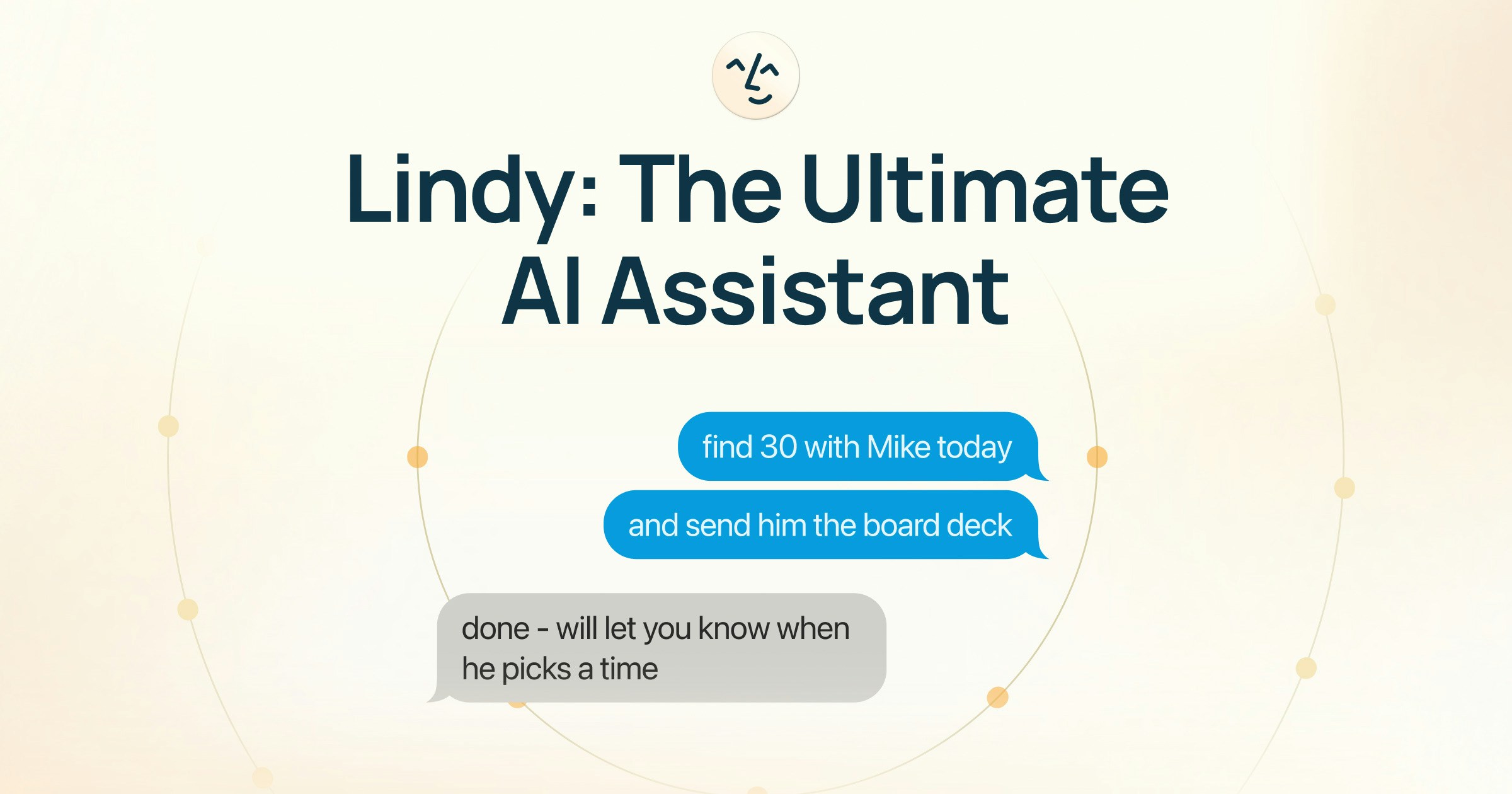
Lindy AI specializes in creating task-specific agents called “Lindies.” These integrate directly with your email, calendar, CRM, and dozens of other tools. Think of it as hiring a virtual assistant who never sleeps and costs less than your monthly coffee budget.
Lindy uses a conversational setup. You tell it what you need in plain English. “Check my inbox every morning, summarize urgent emails, and add action items to my to-do list.” The AI interprets your request. It builds the workflow and also asks clarifying questions if unsure.
Pros: Intuitive interface, strong customer support, excellent integration ecosystem.
Cons: Limited customization for complex workflows, pricing increases with multiple agents.
If you’re new to AI agents and want something that works out of the box, Lindy is your best bet. Pair it with automation tools like n8n or Zapier to extend its reach beyond native integrations.
5. Gumloop: Automation meets simplicity
Type: No-code workflow automation platform
Free Plan: Yes, Yes, 2,000 credits/month; paid plan $37/month (Solo, 10k+ credits)
Best For: Small businesses and solopreneurs building custom automation workflows
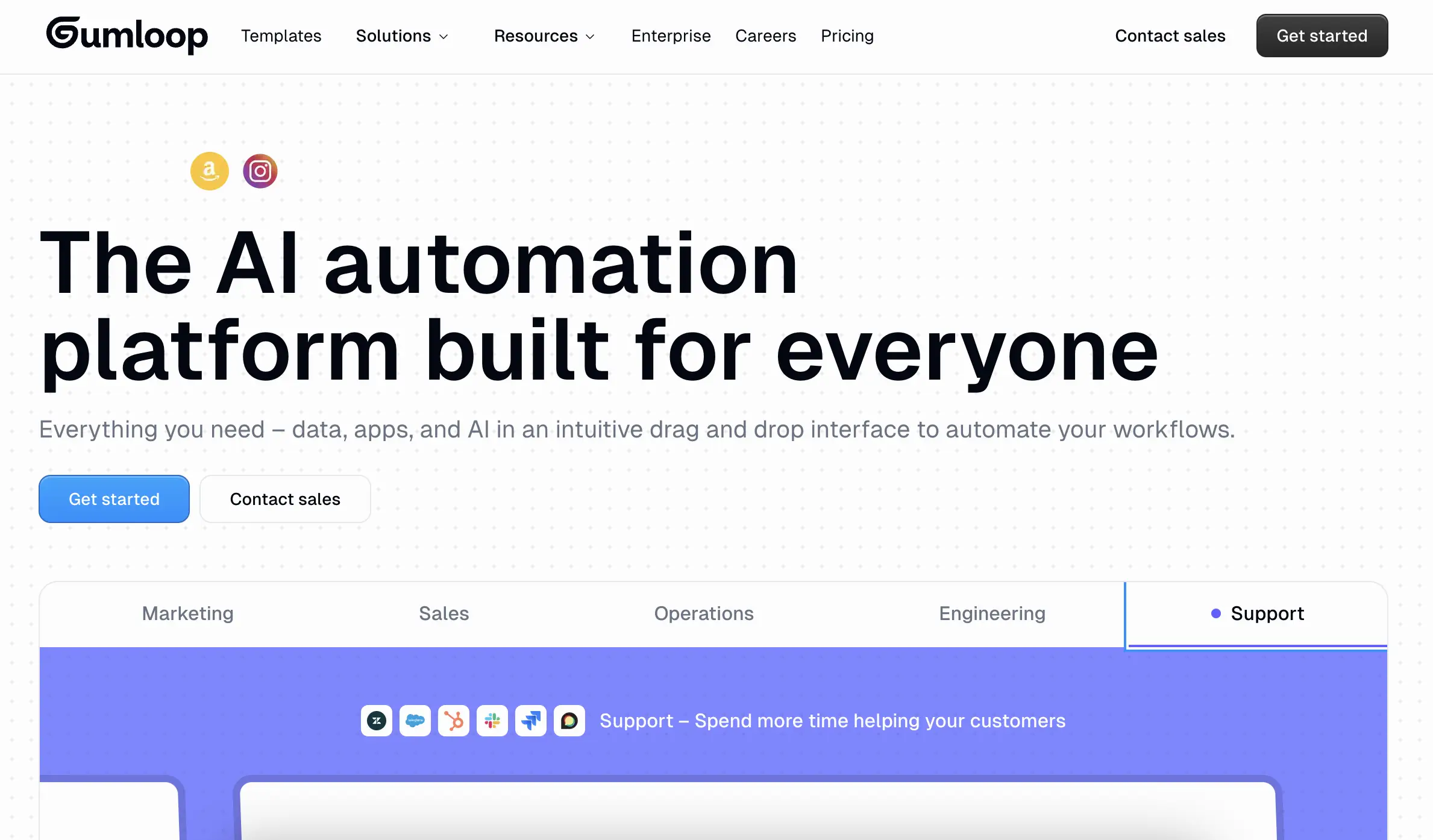
Gumloop combines workflow automation with AI agent intelligence. The platform uses a visual canvas.
You can drag, drop, and connect nodes representing actions. “Scrape website data.” “Analyze with GPT-4.” “Send to Google Sheets.” Each node leverages AI to make decisions, transform data, or generate content.
How Gumloop Works:
- Connect data Sources: Link APIs, databases, or upload files directly
- Build visual workflows: Drag nodes onto the canvas and connect them logically
- Add AI processing: Insert GPT, Claude, or custom models at any step
- Test and deploy: Run simulations, fix bugs, then activate your agent
- Monitor performance: Real-time dashboards show agent activity and outcomes
Pros: Affordable pricing, visual interface is beginner-friendly, strong community support.
Cons: The credit system feels limiting on the free tier, and advanced AI features require paid plans.
Gumloop is the sweet spot between simplicity and control. Perfect for users who want more than pure no-code tools. Perfect for those who aren’t ready to write code. Great for growing businesses.
6. OpenClaw: The autonomous personal AI agent
Type: Open source autonomous AI agent framework and self-hosted
Free plan: Yes. MIT License. Free forever. Run on Mac, Windows, Linux, or your own server. You bring your own LLM API keys, such as OpenAI, Anthropic, or local models.
Best For: Developers, power users, privacy-focused individuals who want an always-on AI agent that acts across real tools and apps.
OpenClaw launched in January 2026 and spread fast. The project passed 180,000 GitHub stars within weeks. It first appeared as Clawdbot, then Moltbot, before settling on OpenClaw.
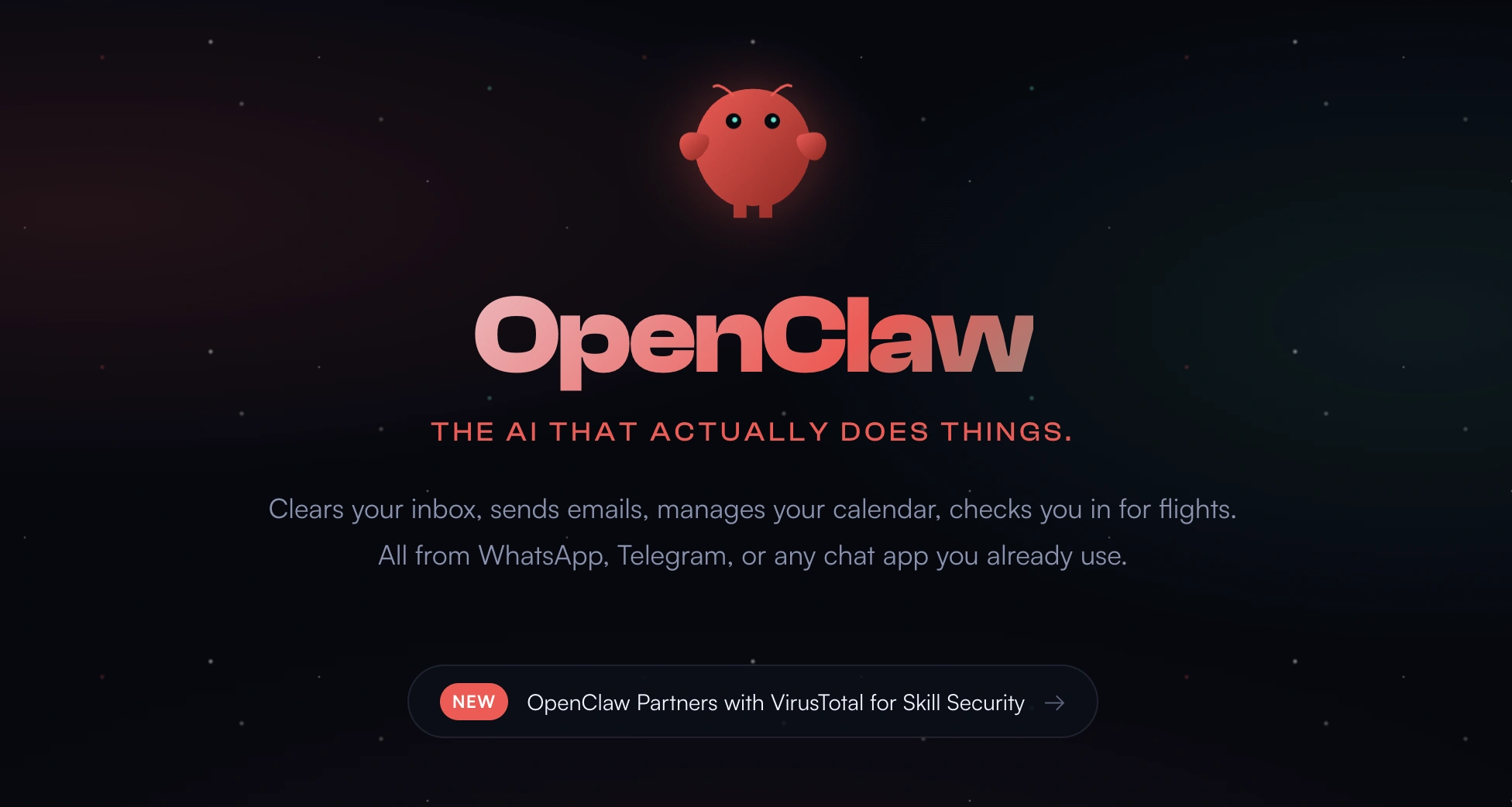
Unlike chat-only assistants, OpenClaw is built to do things like clear your inbox, send emails, manage calendars, book flights, run shell commands, automate browser tasks, handle files, and more on its own.
The magic comes from its “heartbeat” scheduler: it wakes up periodically (every few minutes or on custom intervals) to check for tasks, reason over your goals, and execute without constant prompting.
You bootstrap it once by describing your values, preferences, and “soul”; the role-play and personalization make it feel like a digital companion or ghost in your machine. Memory persists as simple Markdown files on disk for full privacy and control.
How OpenClaw Works:
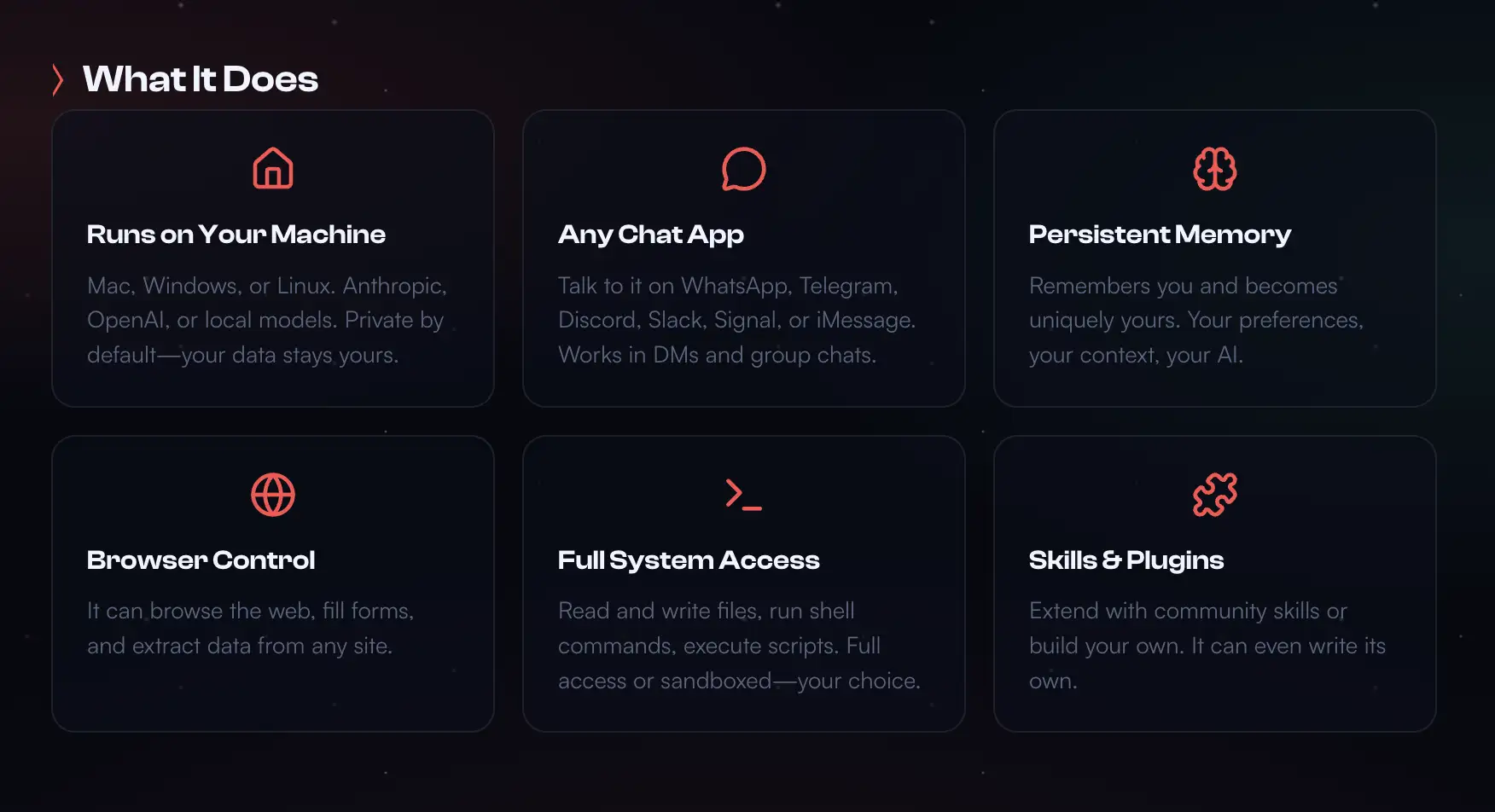
- Quick setup: Works on macOS, Windows & Linux. Put the one-liner that installs Node.js and everything else will be ready.
- Personalize: Chat to define its personality, values, and access levels (it starts cautiously).
- Interact Naturally: Message via WhatsApp/Telegram/etc. “Clear my inbox” or “Plan my week.” It reasons, chains actions, and reports back.
- Autonomous Mode: Heartbeat runs scheduled/proactive tasks (e.g., daily email triage, calendar checks).
- Extend with Skills: Search/install from ClawHub; agent auto-loads and uses them.
- Monitor & Secure: Full local control; review logs, limit permissions (though full system access carries risks—community warns of malicious skills).
In February 2026, creator Peter Steinberger joined OpenAI to advance next-generation personal and multi-agent systems. OpenClaw itself is staying fully open-source, community-owned, and independent with continued OpenAI support. This boosts development while keeping it free and non-proprietary.
Pros: Truly autonomous and action-oriented, complete data privacy (local-first), massive community skills ecosystem, runs on any model/OS/platform, no recurring fees beyond LLM usage.
Cons: Steeper setup than no-code tools, security risks from powerful access (e.g., prompt injection or bad skills), requires technical comfort for advanced use.
7. CrewAI: The developer’s framework
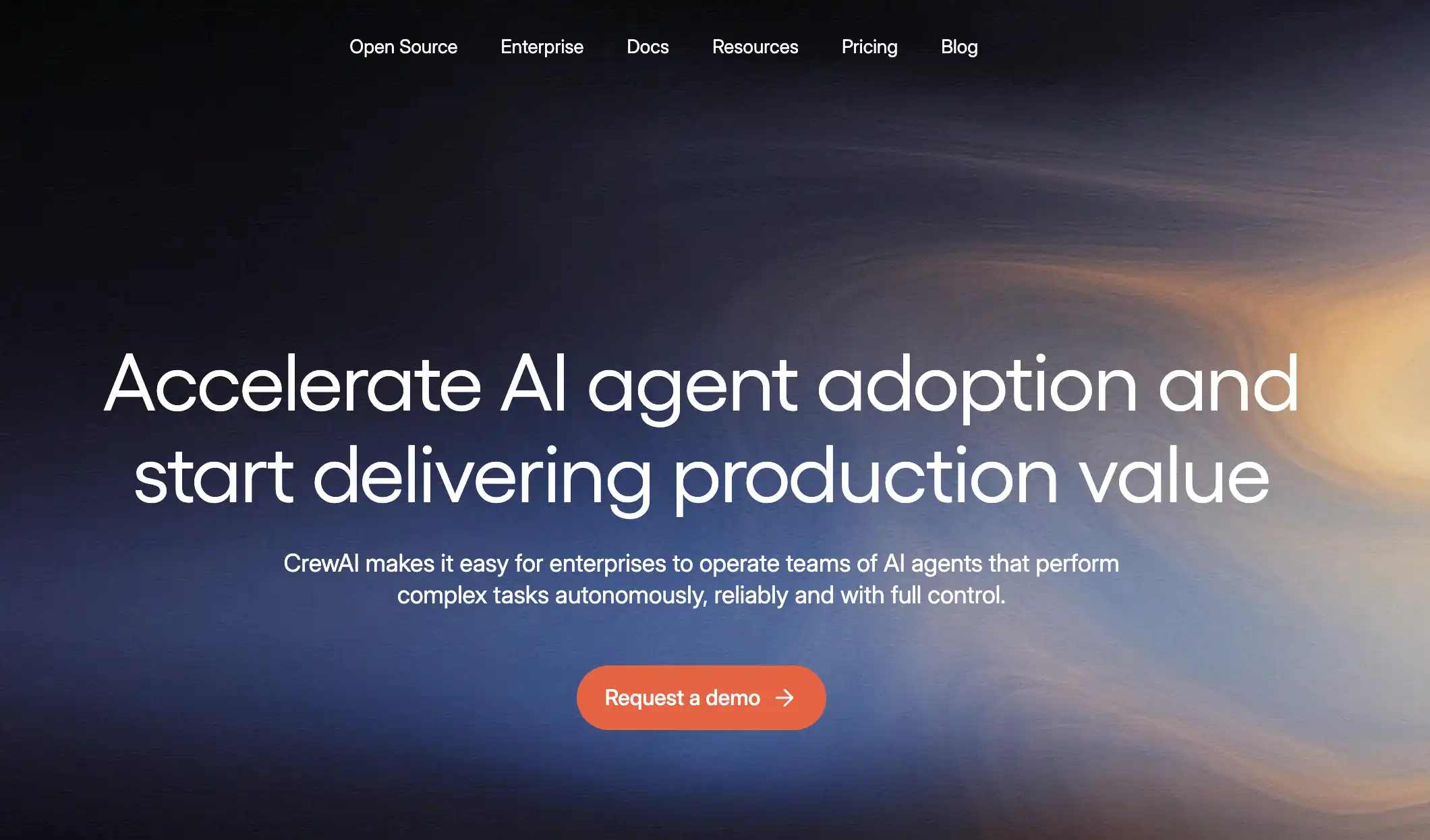
Type: Python-based, open-source framework
Free Plan: Yes, open-source core free; some hosted tiers free/limited, paid plan starts from $25/month (Professional)
Best For: Developers building collaborative multi-agent systems
If you’re comfortable with Python and want maximum flexibility, CrewAI is your answer. This open-source framework lets you orchestrate multiple AI agents working together.
CrewAI gained traction in developer communities throughout 2025. By 2026, it’s the standard for building sophisticated agentic systems. The framework integrates with LangChain, OpenAI, Anthropic, and local models. You get full control over which AI powers your agents.
Pros: Unlimited customization, free and open-source, thriving GitHub community.
Cons: Requires coding knowledge, steeper learning curve, no GUI.
If you’re technical and need agents that work as a coordinated team, CrewAI is unmatched. Be prepared to invest time learning its patterns.
8. Zapier Central: Extensive automation with AI
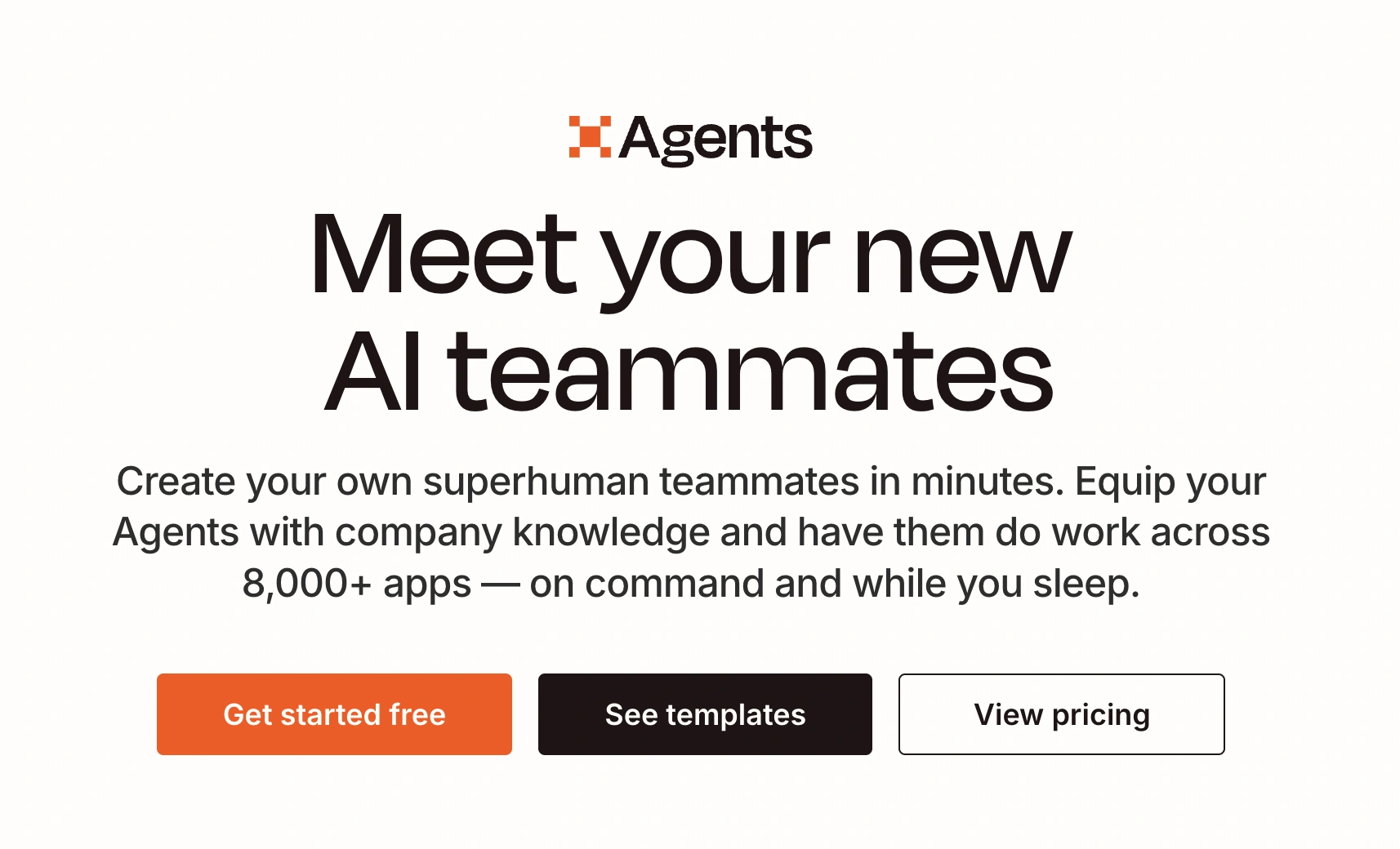
Type: No-code AI agent assistant
Free Plan: Limited (beta/tied to Zapier free; e.g., 400 activities)
Best For: Existing Zapier users wanting to extend automations with AI
Zapier entered the AI agent space with Zapier Central in 2024. If you already use Zapier’s traditional workflows, Central is the natural next step. It adds intelligent decision-making and autonomous task execution to your automation arsenal.
Central works differently from classic Zapier. You don’t manually map triggers and actions. You describe what you want accomplished in plain language.
For example: “Monitor my Gmail for customer complaints or categorize them by urgency, or create tickets in my CRM, even draft appropriate responses.”
The AI agent figures out the necessary steps. It executes them. It learns from your feedback.
Pros: Massive integration library, familiar Zapier ecosystem, AI-powered simplicity.
Cons: Still in beta with limited availability, pricing structure unclear, and less control than technical tools.
If you’re already invested in Zapier’s ecosystem, Central is a smart addition. It takes manual work out of automation building. AI handles the heavy lifting.
9. Voiceflow: Conversational AI made easy
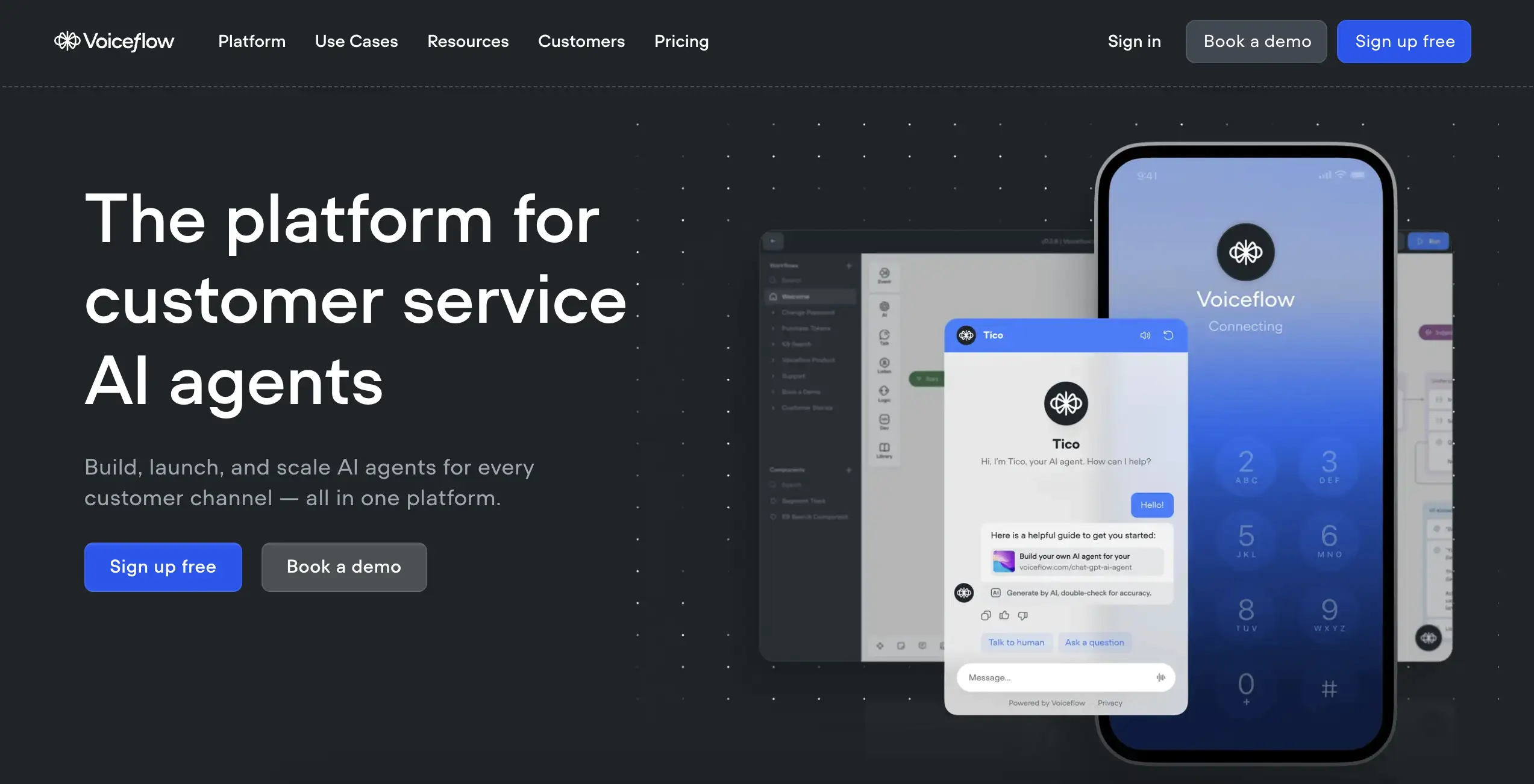
Type: No-code conversational AI builder
Free Plan: Yes, limited to 1,000 messages or basic credits, paid from $60/month (10k credits)
Best For: Businesses creating voice assistants, chatbots, and conversational agents
Voiceflow focuses exclusively on conversational AI. If your goal is building a chatbot for customer support, a voice assistant for smart devices, or an interactive FAQ system, this platform was built for you.
The interface uses a flowchart-style canvas. You can design conversation paths, map user intents, create dynamic responses. Also, you can integrate with databases or APIs to pull real-time information. The AI handles natural language understanding. So, the conversations feel human-like.
Build chatbots and voice assistants with a flowchart canvas: emotion detection, multi-lingual support, and HIPAA-compliant agents for customer-facing experiences.
Pros: Best-in-class for conversational AI, strong analytics dashboard, omnichannel deployment.
Cons: Limited utility outside conversational use cases, pricing scales quickly with volume.
If your primary need is talking to customers, Voiceflow is built for that scenario. The learning curve is gentle. Results feel professional immediately.
What makes a great AI agent builder in 2026?
Not all agent builders are equal. After testing dozens of AI agents and automation tools, here’s what separates the exceptional from the mediocre:
- Intuitive UI: If you need a manual to get started, it’s too complex. The best platforms guide you naturally.
- Robust Integrations: Your agent is only as useful as the tools it connects to. Slack, Gmail, CRMs, databases, and support platforms like Fluent Support.
- Multi-modal support: 2026 is all about agents that handle text, voice, images, and video inputs.
- Scalability: What works for 5 agents should work for 500 without breaking your budget or infrastructure.
- Ethical AI controls: Transparency in decision-making, data privacy protections, and the ability to set boundaries.
- Community and support: Active forums, comprehensive docs, and responsive support make or break your experience.
- Reliability: Agents fail sometimes. Great platforms have fallback mechanisms and clear error messaging.
- Cost transparency: Hidden fees and confusing pricing models are red flags.
It should empower a marketing manager with zero coding experience to build as confidently as a senior developer and eliminate soul-crushing repetitive work.
n8n: Where integration meets intelligence
n8n represents the convergence of deep technical capability with increasing accessibility.
- Self-hosting freedom: Complete data control and zero recurring platform fees. You pay for hosting and API usage.
- Fluent Support integration: Automate customer support workflows by sending, scheduling, and tracking messages across platforms by connecting it to similar Communication apps and over 1000 other services.
- Unlimited customization: Write JavaScript in any node when visual tools aren’t enough.
- Active community: Thousands of shared workflows, templates, and extensions.
- AI-first design: Purpose-built nodes for GPT-4, Claude, and other LLMs with context management.
n8n’s open architecture and extensive connector library make it the platform of choice for teams building production-grade agents or a full customer service automation.
Streamline your communication workflows, all without writing any code.
Final thoughts
AI agents are becoming a necessity in this fast-growing world. The AI agent builders here showcase what’s possible in 2026.
Whether you’re automating customer service, scaling marketing, or reclaiming time from administrative work, there’s a tool to match your needs.
Moreover, the barrier to entry has never been lower. Most platforms offer free tiers, making it easy to experiment without commitment. So start small: choose one repetitive task you dislike, build an agent to handle it, and observe the impact. Soon, you’ll spot even more opportunities for automation.
Now is the time to build your first agent. Which one will you try?
Start off with a powerful ticketing system that delivers smooth collaboration right out of the box.
Related Articles
What Is Customer Profiling and Why Does It Matter More Than You Think
Most businesses collect customer data. Very few actually…Is “AI Brain Fry” Burning Out Your Support Team?
AI brain fry is a new form of…




Leave a Reply