
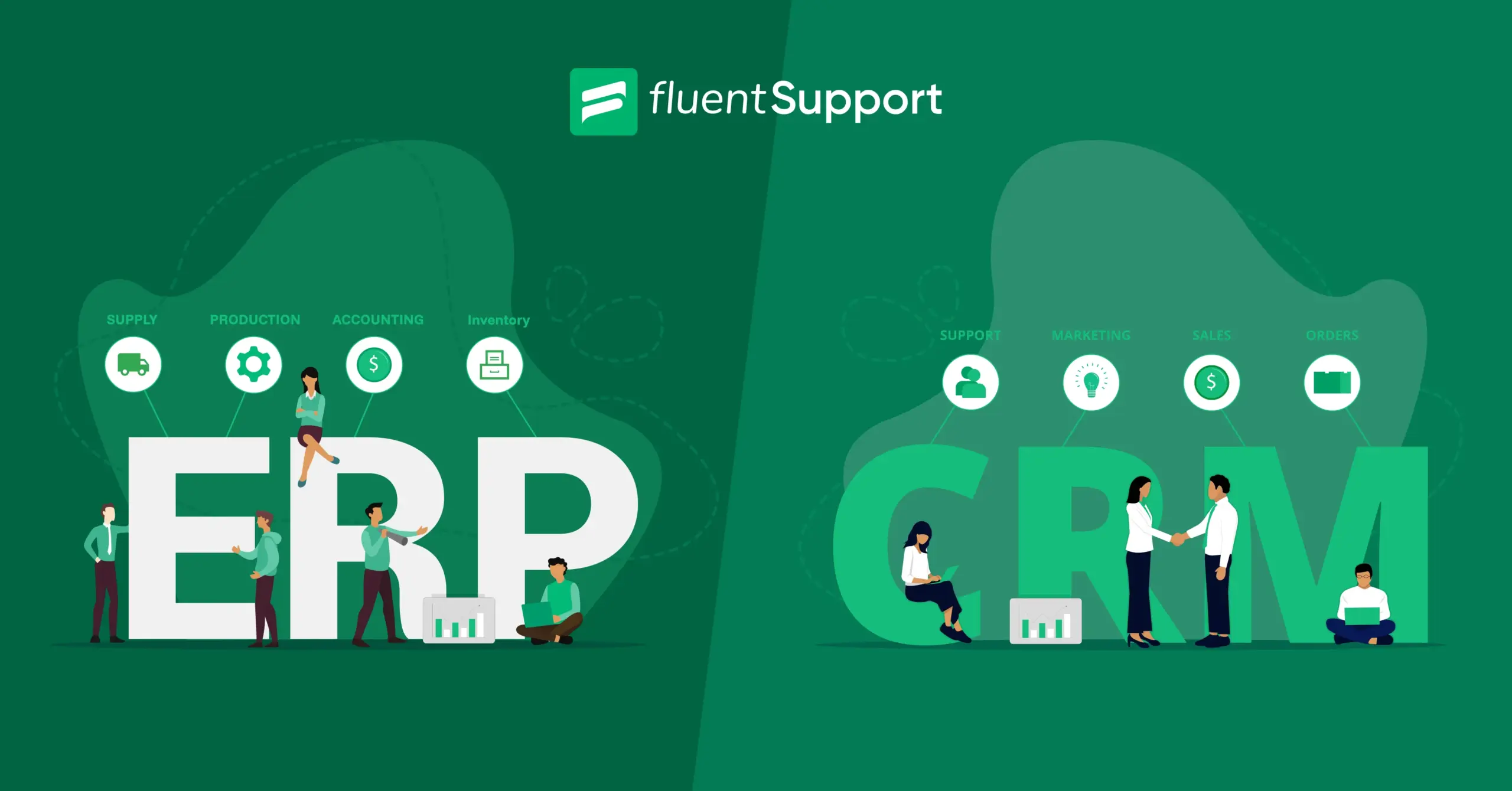
ERP vs CRM: Which One Does Your Business Need?

By Prosanjit Dhar
December 12, 2025
Last Modified: December 15, 2025


ERP vs CRM, both have different focuses, but they also have complementary purposes.
And once you understand them, your business decision becomes clearer, more strategic, and far more profitable.
In this guide, we’re breaking down ERP and CRM in a way that speaks to real business challenges with practical examples, modern use cases, and guidance.
ERP vs CRM at a glance
|
ERP’s focus area |
CRM’s focus area |
|
Accounting & Financials |
Sales Automation |
|
Order & Production Management |
Order Management |
|
Supply Chain | |
|
Inventory & Warehouse |
Marketing Automation |
|
Procurement |
What is ERP?
Enterprise resource planning (ERP) is a software that integrates and manages a company’s core business processes, such as accounting, HR, project management, manufacturing, supply chain operations, etc.
It combines different disconnected systems with one unified platform and empowers you with better data flow, automation, and decision-making.
Key features of ERP
ERP systems bring together the internal operations that keep your business running efficiently. Their features cover everything from finances to the supply chain.
Core ERP capabilities include:
- Financial & accounting: ERP handles general ledger, accounts payable/receivable, billing, budgeting, expense management, and financial reporting.
- Inventory & warehouse management: Tracks stock levels, movements, warehouse locations, reorder points, and fulfillment workflows.
- Supply chain & procurement: Manages suppliers, purchase orders, logistics, material planning, and vendor performance.
- Production & manufacturing: For manufacturing businesses, ERP supports production scheduling, material requirements, Batch tracking, costing, etc.
- HR & workforce management: ERP systems often include tools for payroll, attendance, workforce planning, and employee records.
- Project & resource management: It supports project tracking, cost allocation, resource planning, and budgeting.
ERP ties together every operational process to help your teams work smarter, reduce manual errors, and improve profitability.
What is CRM?
Customer relationship management (CRM) is a set of integrated and data-driven software that allows your company to manage, track, and store information related to your current and potential customers.
It’s a system built to strengthen relationships, drive revenue, and improve customer experience. And, without the support of CRM, your company may miss out on growth opportunities and lose potential revenue.
Key features of CRM
Today’s CRM tools do more than just store contact information. They help you build stronger and more personalized connections with customers.
Here are the key features to look for in a CRM:
- Centralized data: Stores all customer info (contacts, purchase history, communications) in one place, accessible by sales, marketing, and support teams.
- Sales management: Tracks leads, manages sales pipelines, automates follow-ups, and forecasts revenue.
- Marketing automation: Personalizes campaigns, automates email marketing, and tracks campaign effectiveness.
- Customer service: Provides agents with customer history for faster, more personalized support, and can include self-service communities.
- Analytics & AI: Uses data and AI to provide insights, predict customer behavior, and suggest next best actions.
And a lot more. So if you’re running a business and want to build a good relationship with customers, then CRM is an essential tool for you.
Now let’s see how these systems work.
How does an ERP work?
ERP systems bring together all your core business processes and operational data into one unified platform. Instead of each team working in separate tools, ERP centralizes everything and ensures information flows seamlessly across departments.
An ERP typically collects and manages data related to:
- Inventory levels and stock movements.
- Purchase orders and supplier information.
- Manufacturing and production schedules.
- Financial transactions and accounting records.
- HR and payroll details.
- Project tracking and resource usage.
- Warehouse operations and fulfillment activities.
Once the data is collected, ERP organizes it into connected modules that work together in real time. This means that what happens in one department instantly updates and impacts the others without any delay.
How does a CRM work?
CRM systems automatically collect a wealth of information about existing and prospective customers. It includes:
- Email addresses
- Phone numbers
- Company websites
- Social media posts
- Purchase histories
- Customer service and support tickets, etc.
Fluent Support integrates seamlessly with CRM and other tools to streamline your entire support workflow.
Then it unifies the data and generates consolidated profiles that are shared with appropriate teams.
Moreover, these platforms often include built-in business intelligence and AI capabilities that automate administrative tasks, provide actionable insights, and more.
Types of ERP systems
Common types of ERP include:
1. On-premise ERP: Installed locally on a company’s servers and offers deep customization but requires maintenance and IT resources.
2. Cloud-based ERP: More scalable, cost-effective, and easier to deploy. It’s hosted in the cloud and accessible anywhere.
3. Hybrid ERP: It combines on-premise and cloud components. Useful for organizations transitioning gradually.
4. Industry-specific ERP: Tailored for industries like manufacturing, retail, healthcare, construction, etc. It comes with domain-specific modules and workflows.
Types of CRM systems
CRM systems generally fall into three main categories:
1. Operational CRM: Automates sales, marketing, and service processes. Best for improving workflows and customer-facing operations.
2. Analytical CRM: Focuses on data analysis, segmentation, forecasting, and insights. This system is often used for strategic decision-making.
3. Collaborative CRM: Connects different departments by sharing customer information across teams. This is Ideal for companies wanting unified customer visibility.
Some modern platforms blend all three into an all-in-one solution.
FluentCRM combines operational, analytical, and collaborative features in one place.
What is the difference between ERP and CRM?
ERP and CRM do different jobs inside a company. ERP is primarily for financial data and the finance department, while CRM is customer data used by the sales and customer service departments.
So we can say, ERP is all about running the business internally. It handles financial data, operations, inventory, HR, payroll, and everything behind the scenes.
On the other hand, CRM is all about customers. It’s used by sales and support teams to manage conversations, deals, follow-ups, and customer experience.
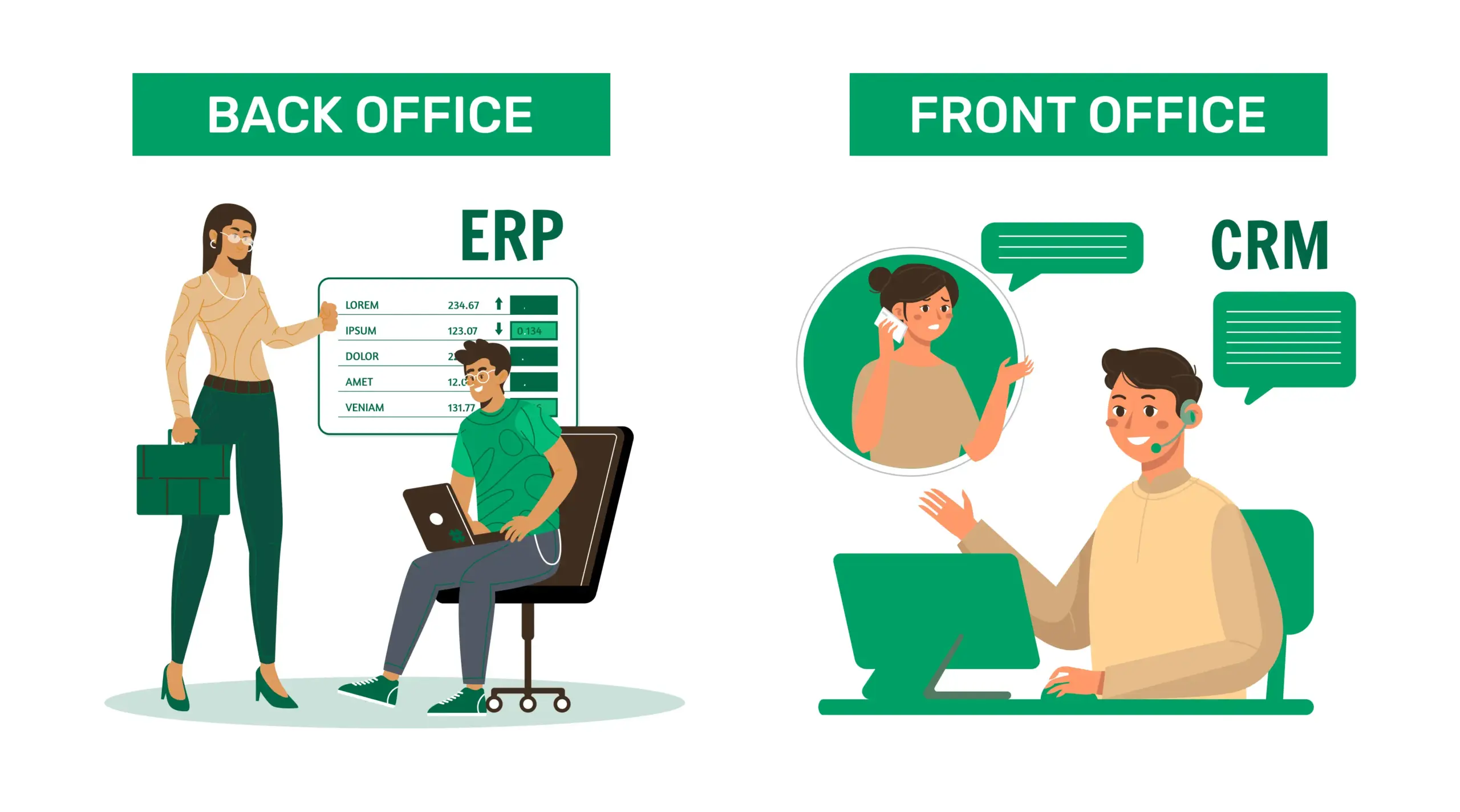
A simple way to remember this is:
- ERP = Back office (teams who manage money and operations)
- CRM = Front office (teams who talk to customers)
Some ERP platforms come with a small CRM module, but CRM systems don’t include ERP functions. For example, FluentCRM is a CRM, not ERP. It doesn’t manage accounting or inventory. If it shows things like invoices or order history, it only does that by pulling data from an ERP through an integration.
Do you need ERP, CRM or both?
To be honest, most growing businesses end up needing both. But the “first investment” depends on your situation:
- If operations and financial processes feel chaotic → start with ERP.
- If customer relationships feel unorganized → start with CRM.
A company with complex financial workflows may prioritize ERP first, while a customer-heavy business with simpler internal operations may choose CRM.
But long term? Both systems complement each other, and most companies eventually use both.
How are ERP and CRM similar?
ERP and CRM are similar in multiple technical aspects. They both can:
- Store and analyze data.
- Improve workflows.
- Run on-premise or as SaaS.
- Help companies scale with structure and visibility.
CRM adopted the cloud faster because companies were more comfortable putting customer data online than financial data.
However, things have changed. Nowadays, both systems operate reliably in the cloud.
Integration of ERP and CRM systems
To get the full picture of your business, ERP and CRM need to talk to each other. Because separate systems create silos and gaps.
For example:
- Sales may need credit status or order history before pitching an upgrade.
- Finance may need CRM data for commissions or forecasting.
- Decision makers may need unified analytics to evaluate pricing, CAC, LTV, or other performance metrics.
One of the heaviest cross-system workflows is CPQ (Configure, Price, Quote), which relies on both customer data and product/financial data.
Most major platforms offer prebuilt integrations, though they can be costly and need updates whenever the systems are upgraded.
Final thoughts
Typically, businesses start with ERP for operational stability, but adding CRM becomes the natural next step when customer experience and revenue growth become priorities.
And when both are unified, your costs go down, data becomes instantly consistent, customization becomes easier, and most importantly, your team gets a single source of truth for decision making.
That’s why CRM + ERP is a powerful combination for companies aiming for long-term and sustainable growth.
Start off with a powerful ticketing system that delivers smooth collaboration right out of the box.
Related Articles
What Is Customer Profiling and Why Does It Matter More Than You Think
Most businesses collect customer data. Very few actually…Is “AI Brain Fry” Burning Out Your Support Team?
AI brain fry is a new form of…




Leave a Reply