

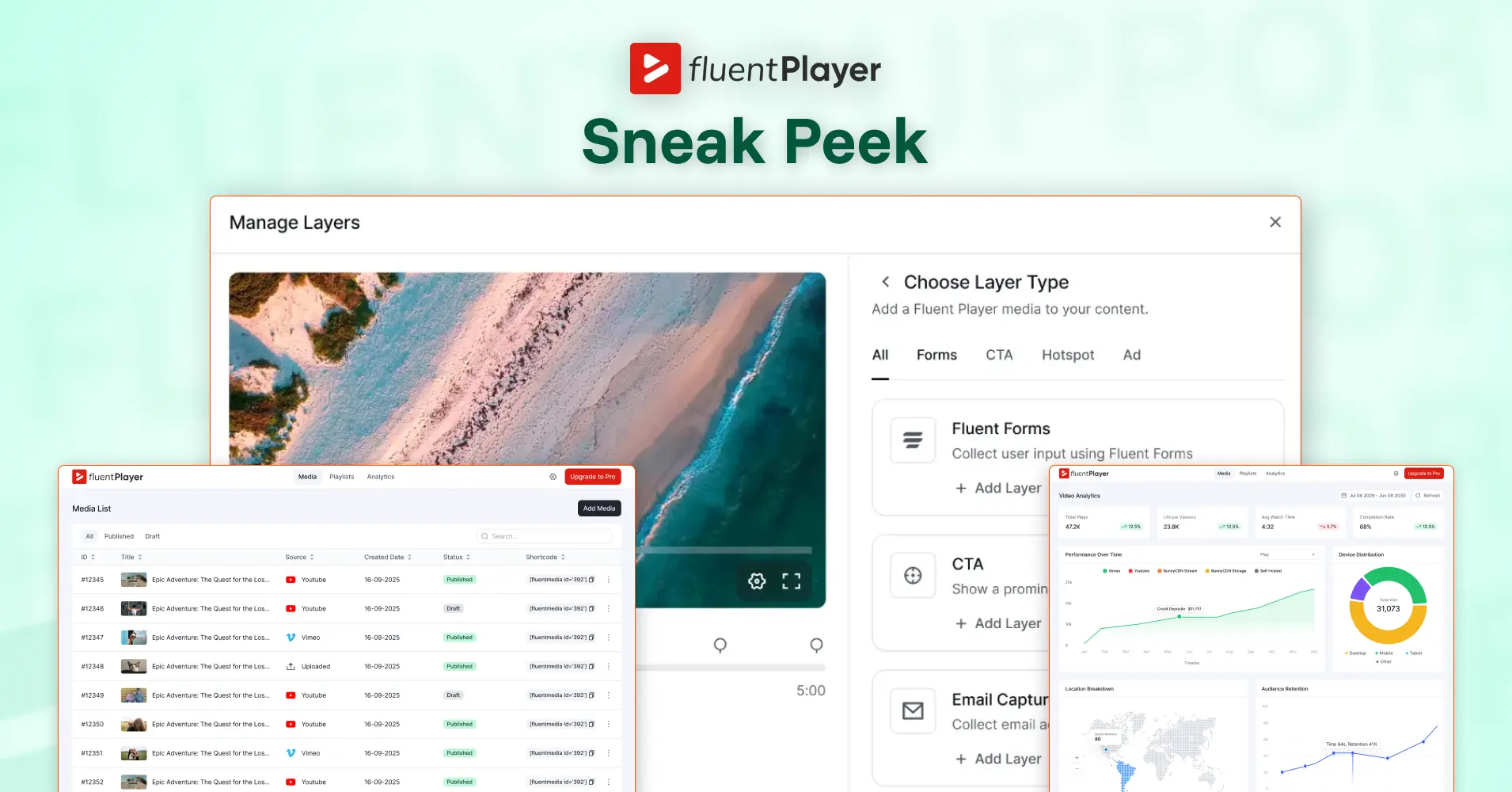
FluentPlayer First Look: The Next-Generation Video Player Has Finally Come to WordPress

By Md. Sajid Sadman
March 2, 2026
Last Modified: March 2, 2026


If you are already using the Fluent ecosystem, you likely have a system in place.
You capture leads with Fluent Forms. You nurture them inside FluentCRM. You may sell with FluentCart or run gated content with FluentCommunity.
There has always been one piece that lived slightly outside that flow.
Video!
Video builds trust. It explains faster than text. It keeps attention longer. But until now, it has mostly been passive. Viewers watch, and then they move somewhere else to take action.
We are introducing a new plugin to the Fluent family that changes how video fits into your workflow.
Meet FluentPlayer.
It is a WordPress video player built to work natively with the rest of the Fluent ecosystem. It is launching in early March 2026, and here is a first look at what it does.
What Is FluentPlayer?
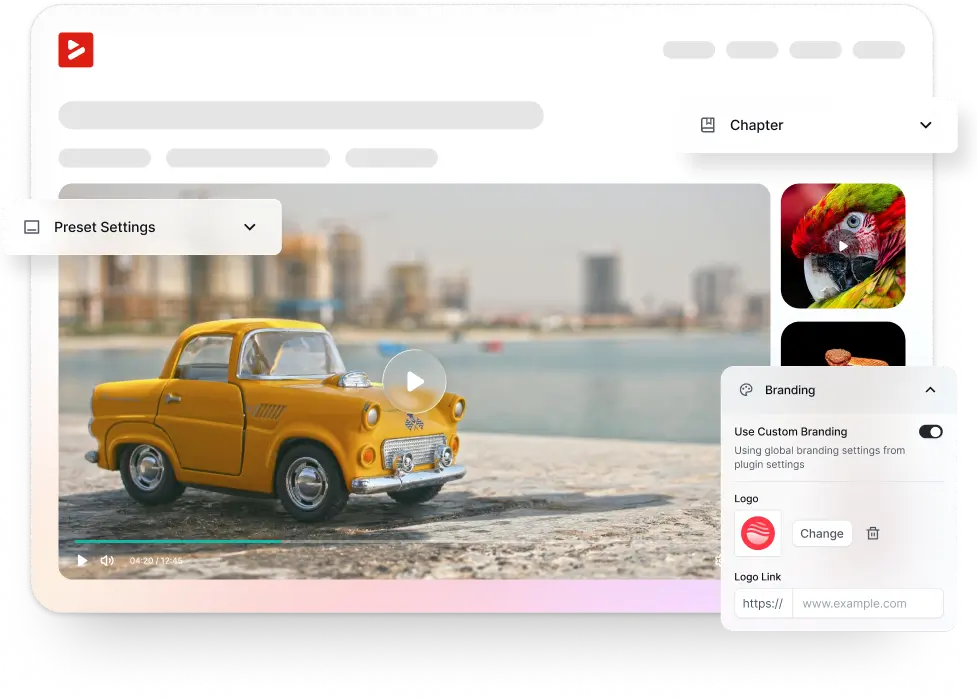
FluentPlayer is a WordPress video player plugin built for websites where video is part of the conversion flow.
It supports self-hosted videos from your WordPress Media Library, along with YouTube, Vimeo, Bunny.net, and more. It comes with chapters, resume playback, custom branding, playlists, multi-language subtitles, and access control all managed from one clean dashboard inside WordPress.
But those are supporting features. The real reason FluentPlayer exists is something called Interactive Layers.
Interactive Layers: The Feature Worth Understanding
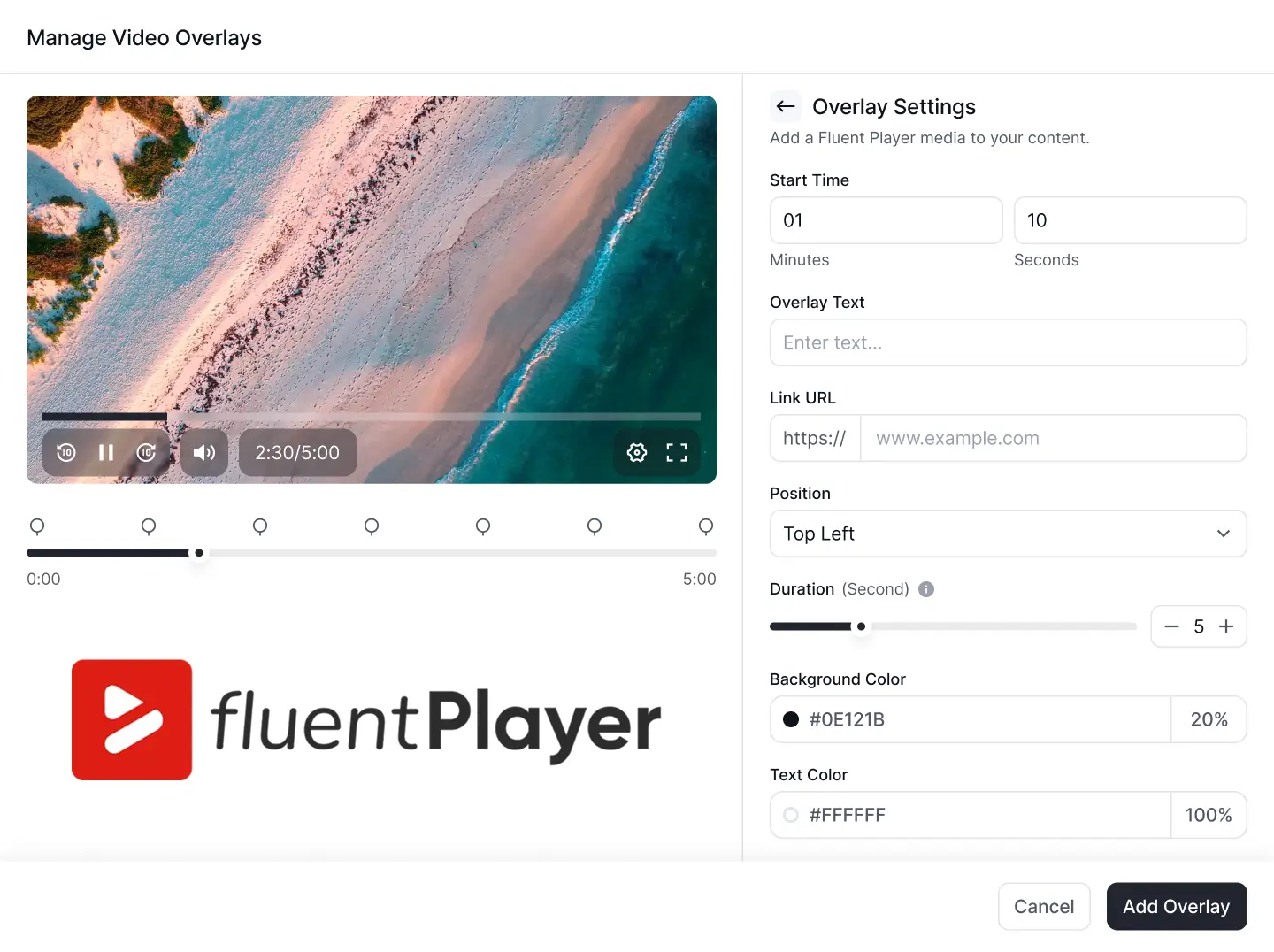
Interactive Layers let you place functional elements directly inside a video at any specific timestamp.
That means you can embed:
These elements appear inside the video player itself, at the exact moment you choose. The viewer does not get redirected. The video does not stop unless you want it to. The interaction happens right there, inside the player.
Here is a practical example. Say you have a product walkthrough video. At the 2:30 mark, right when you finish explaining the core benefit, an email capture form appears inside the video. The viewer fills it in and submits it. The video keeps going. The entire interaction takes place without the viewer leaving the page or the player.
That is what Interactive Layers makes possible.
How It Fits Into the Fluent Ecosystem
If you are already using tools from the Fluent family, FluentPlayer connects with them directly.
Fluent Forms and FluentPlayer
You can drop any Fluent Forms form into a video at a specific timestamp. When the viewer reaches that point, the form appears inside the player. Submit, done. The lead is captured without any redirection.
FluentCRM and FluentPlayer
When someone submits an in-video form, that contact goes straight into FluentCRM. Tags can be applied, segments update, and automation sequences can start the moment the form is submitted. This works without Zapier or any additional webhook setup.
The overall flow looks like this:
Watch → Engage → Submit → Automate
Each step happens within the same viewing session. There is no broken momentum, no extra tools required, and no manual handoff between systems.
FluentPlayer also fits naturally with some other tools in the ecosystem.
If you run a community or course on FluentCommunity, FluentPlayer’s chapters, resume playback, and access control make it a practical fit for structured video content.
And, if you use FluentCart, you can place a CTA button inside a sales video at exactly the moment you make the ask, linking directly to a product page or checkout.
This is the same principle the Fluent ecosystem is built around: tools that work together without unnecessary complexity.
Features Worth Knowing About FluentPlayer
Beyond Interactive Layers, FluentPlayer includes a set of features that make it practical for structured video experiences.
Chapters and Timestamps
Long videos can be split into labeled sections. Viewers can jump to specific parts instead of scrubbing through the entire timeline.
Resume Playback
Viewers can leave and return to a video and pick up exactly where they stopped. This is especially useful for tutorial content or multi-part walkthroughs.
Video Analytics
You can track how your videos are performing directly from your dashboard. This gives you a clearer picture of viewer behavior and engagement.
Multi-Source Support
FluentPlayer works with self-hosted video, YouTube, Vimeo, and Bunny.net. You use whichever hosting setup fits your workflow.
Video Playlist
You can group multiple videos into a playlist and manage them from your media library without re-uploading. Viewers can move through the content in a structured order.
Multi-Language Subtitles
You can add multiple subtitle files to a video and let viewers switch languages directly inside the player.
Join the FluentPlayer Waitlist
FluentPlayer launches in early March 2026.
A lifetime deal goes live on launch day, and waitlist subscribers get first access.
Join the waitlist at to get early access and launch-day pricing.
Related Articles
How to Setup a Support Ticket System in WordPress?
Learn how to set up a support ticket…Fluent Support 2.4.0: Advanced Reports, AI Ticket Audit, and Portal Protection
Fluent Support 2.4.0 rebuilds reporting with a full…



Add your first comment to this post